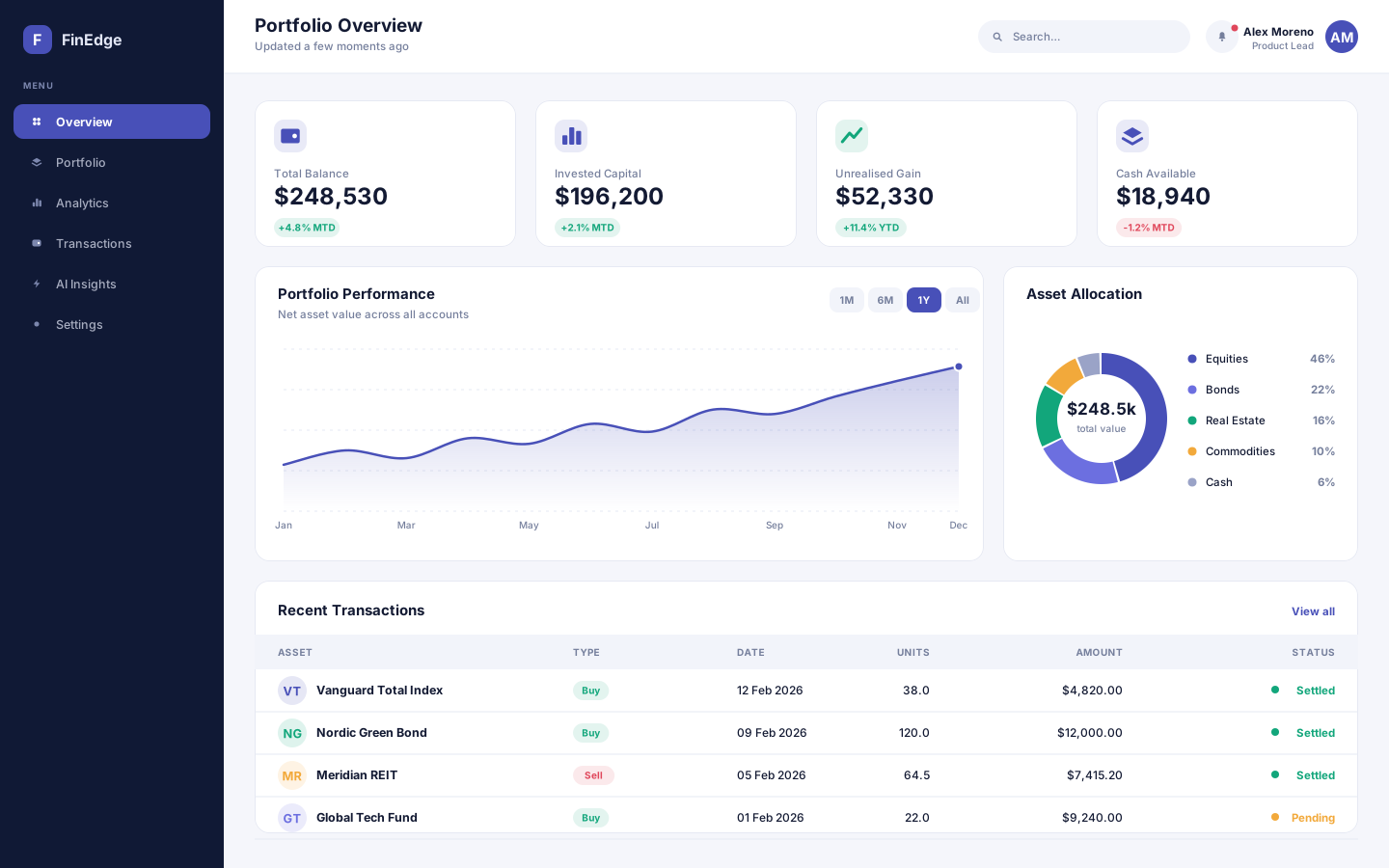
A financial analytics and portfolio management platform that turns scattered account data into decisions people can actually act on.
- React
- Node.js
- Python
- PostgreSQL
Enterprise delivery without the ceremony
A project and team management platform for organisations running several delivery teams against shared deadlines.
Overview
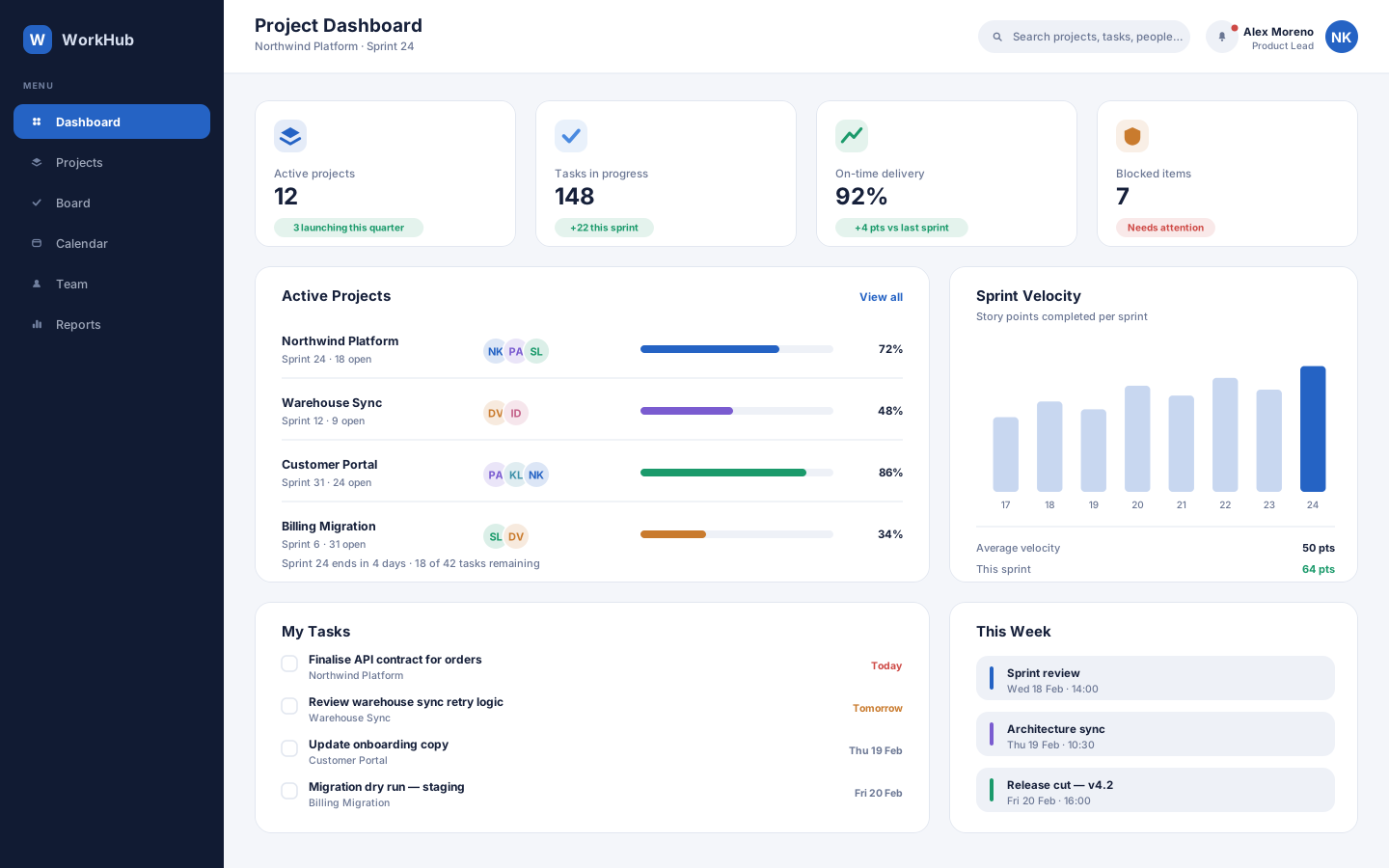
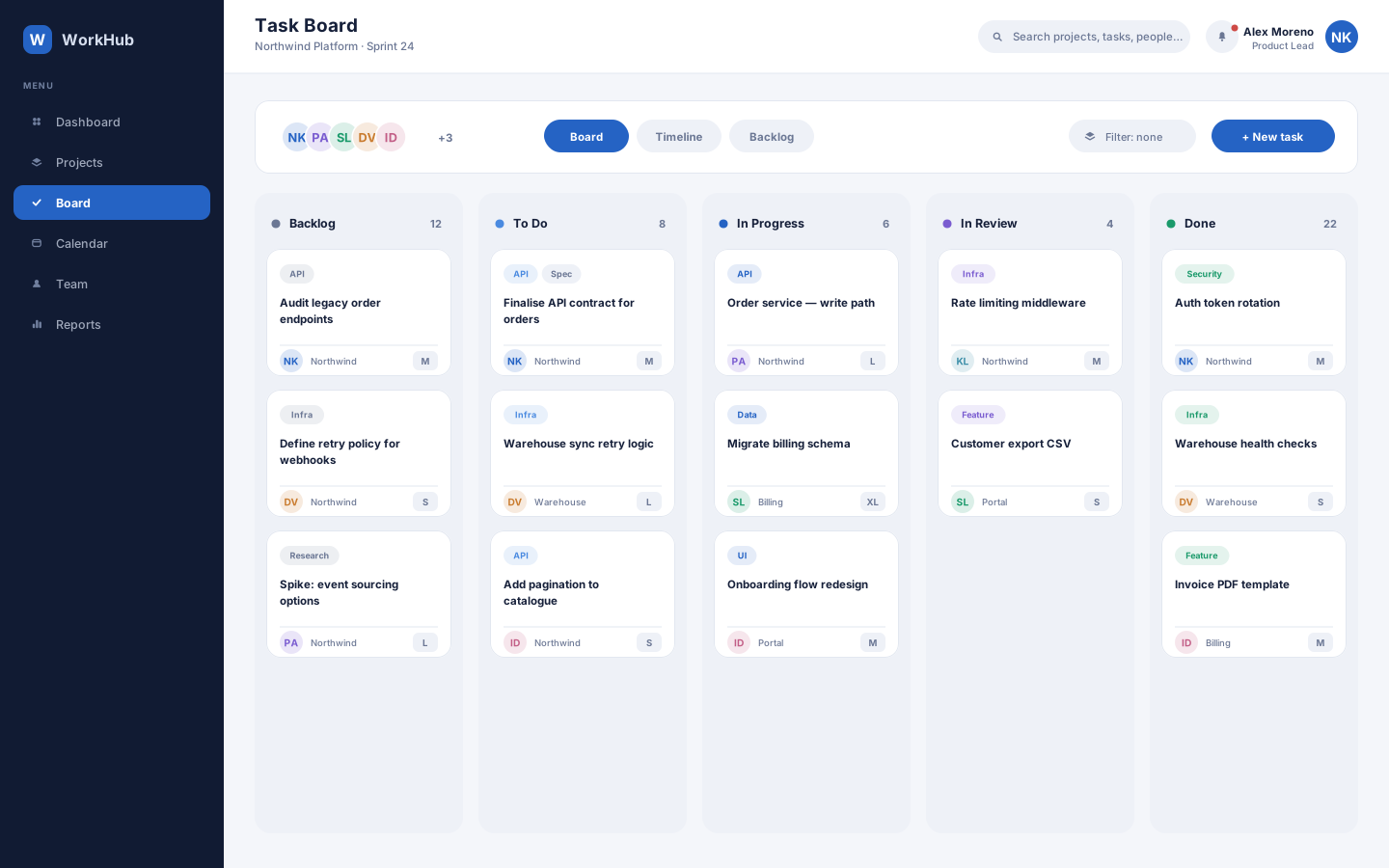
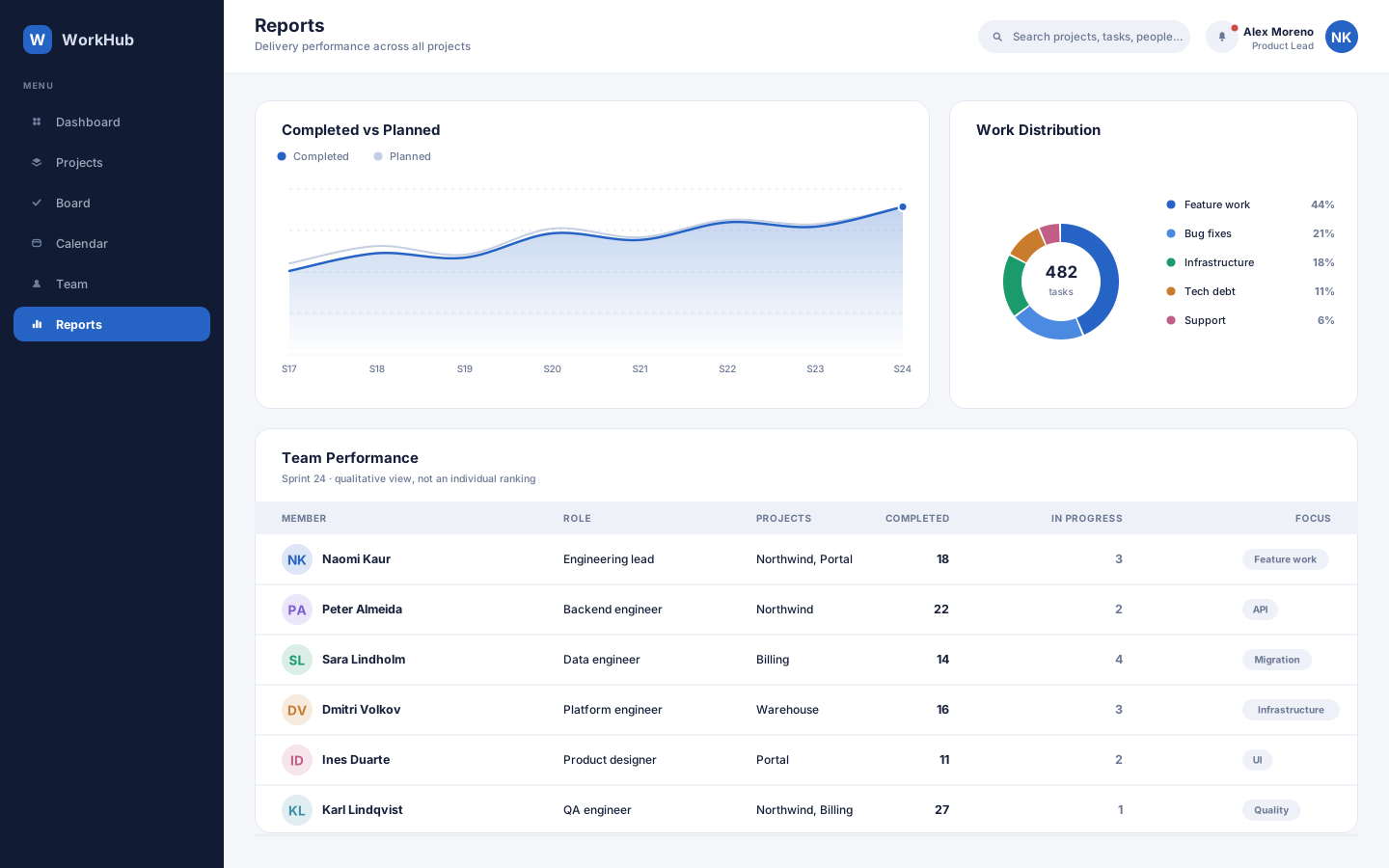
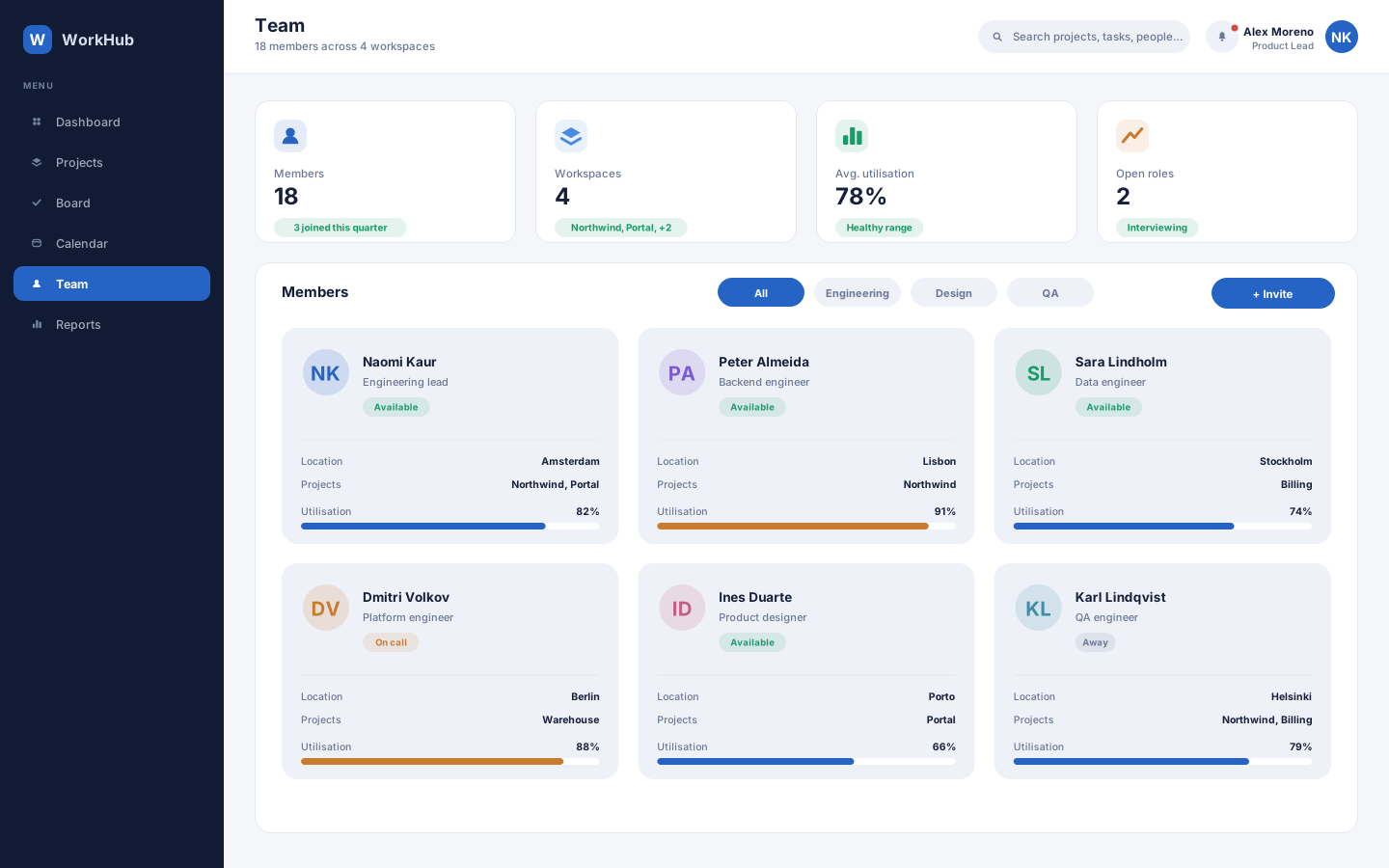
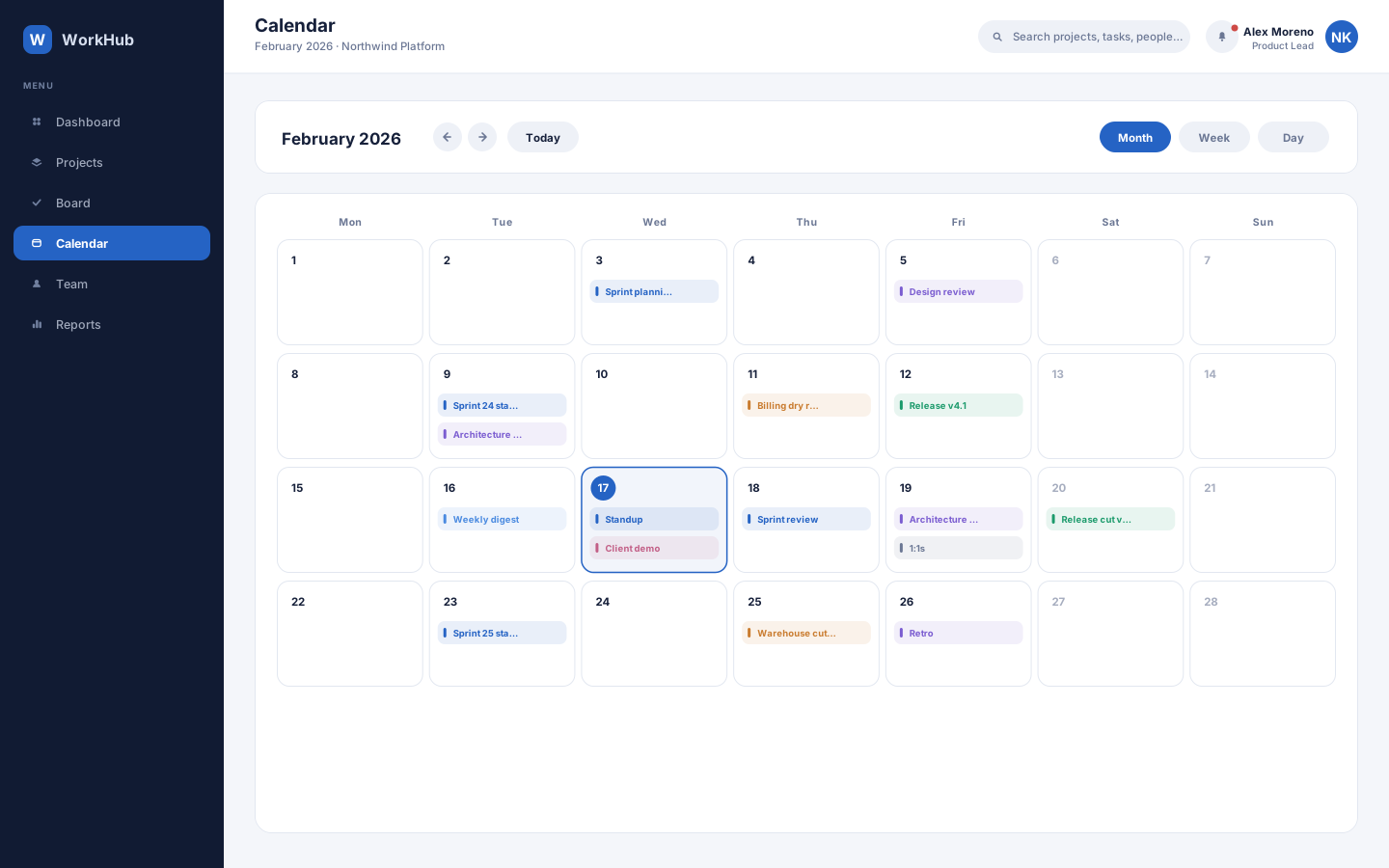
WorkHub is a concept enterprise delivery platform built for the coordination problem that appears once an organisation runs more than two or three teams at once. It covers project health, task execution on a board, capacity across people, calendar coordination and the reporting layer leadership needs — as a desktop-class application with a companion mobile view for work that happens away from a desk. The information density is deliberate: this is a tool for people who live in it all day.
Project tools tend to serve either the person doing the work or the person reporting on it, and the gap between them gets filled with manual status updates. Serving both means the same underlying data has to support a dense execution board and a clean delivery report, without anyone maintaining two versions of the truth. Enterprise density brings its own risk: more information per screen usually means less comprehension.
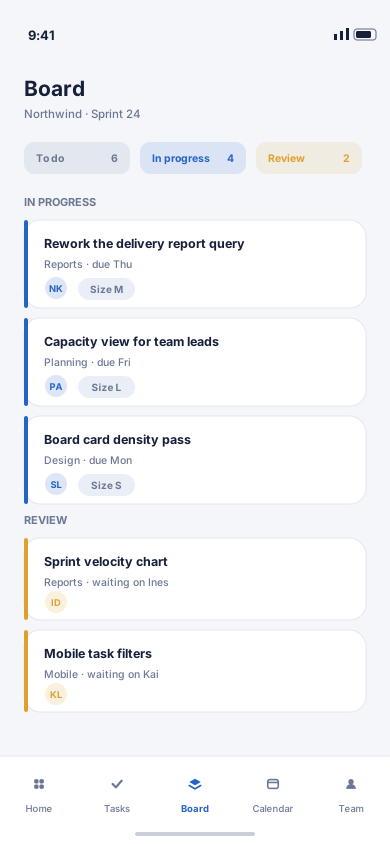
We treated density as a design problem rather than an inevitability. The board carries a lot of cards but each one has a fixed reading order — tag, title, owner, size — so scanning stays fast at any column height. Progress reported upward is computed from the same task state the board writes, which removes the status-update ritual entirely. The calendar, capacity view and reports all read from that shared model, and the mobile companion carries the subset that genuinely needs to travel rather than trying to be the whole application.
Desktop
The full-width interface, screen by screen.
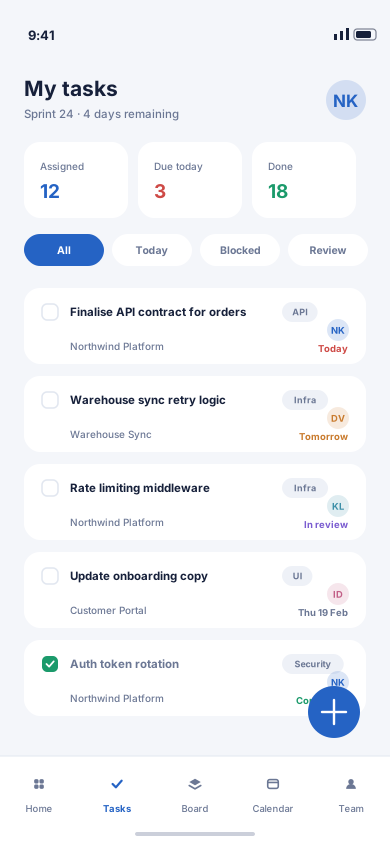
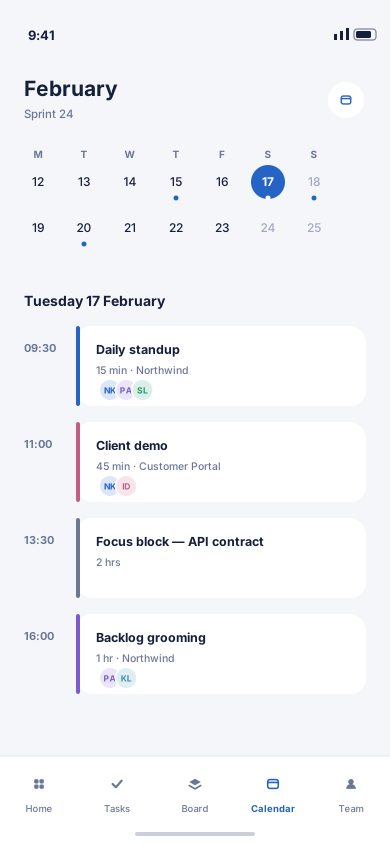
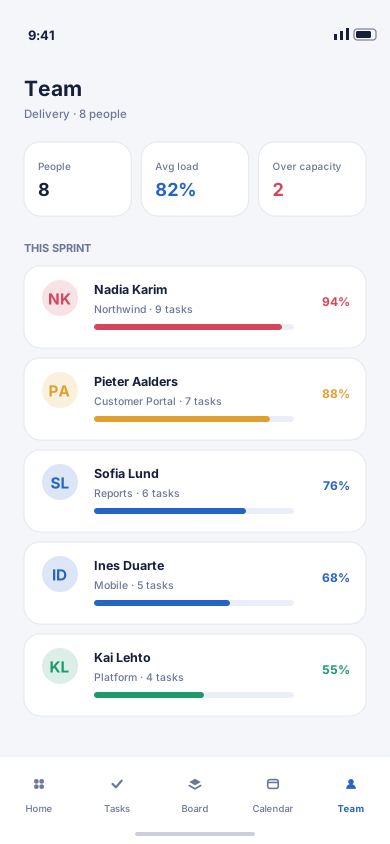
Mobile
The same information hierarchy, rebuilt for a screen you hold in one hand.
More work
(→)Start a project
Tell us what you have in mind and we'll come back with a clear scope, a realistic timeline and an honest opinion on the best way to build it.
Project brief