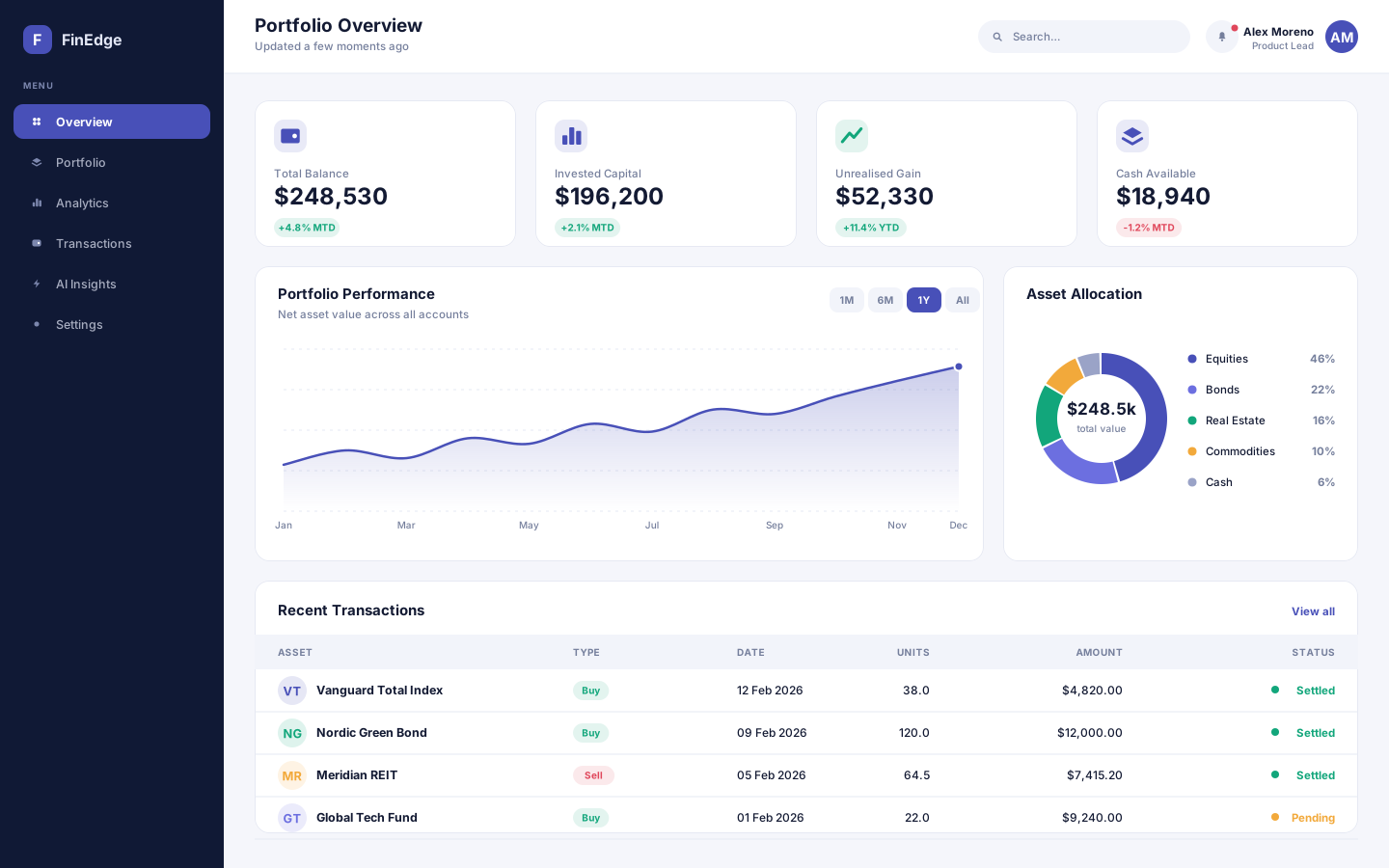
A financial analytics and portfolio management platform that turns scattered account data into decisions people can actually act on.
- React
- Node.js
- Python
- PostgreSQL
Care coordination on both sides of the appointment
A healthcare appointment and patient management product pairing a patient mobile app with the clinic dashboard behind it.
Overview
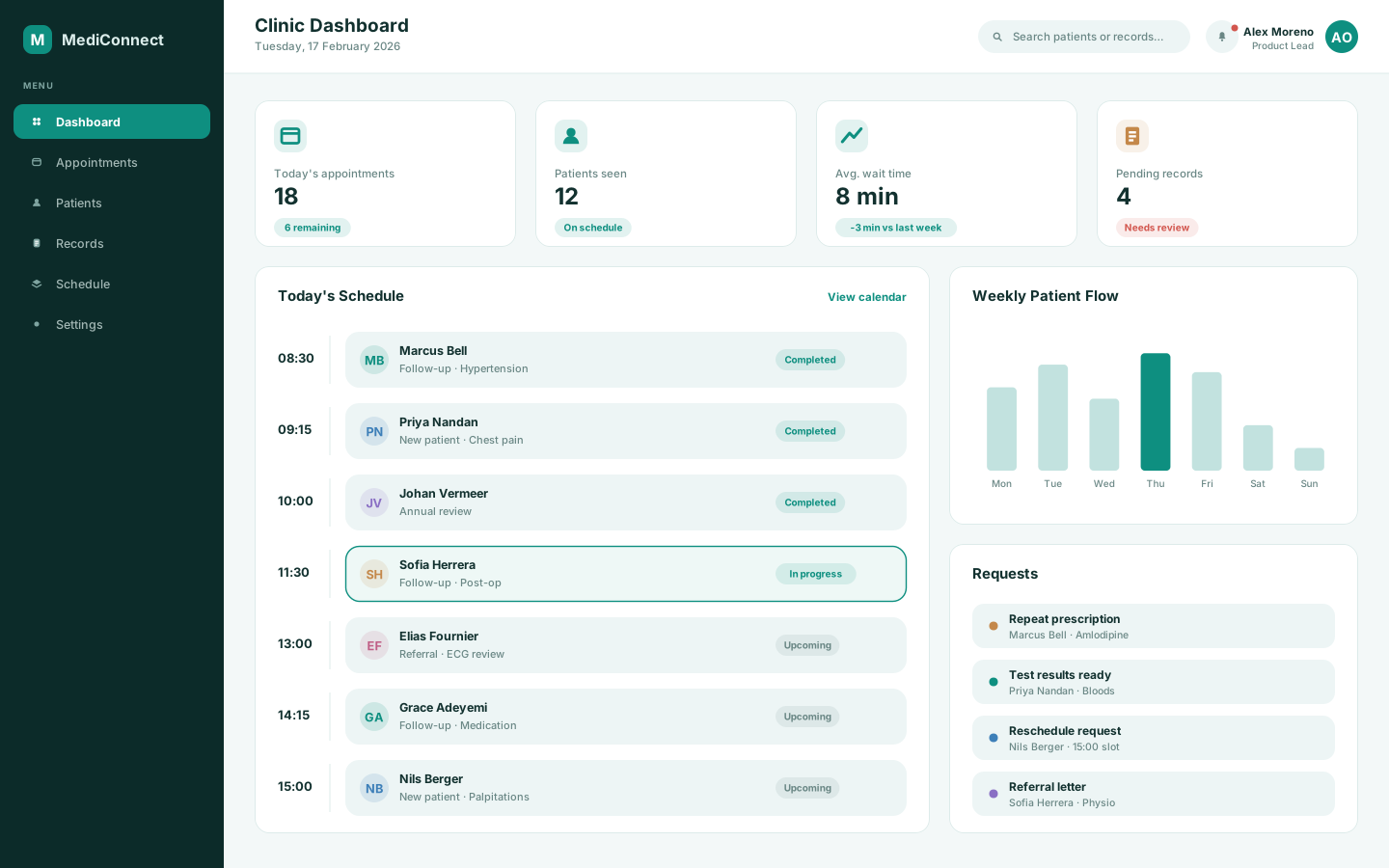
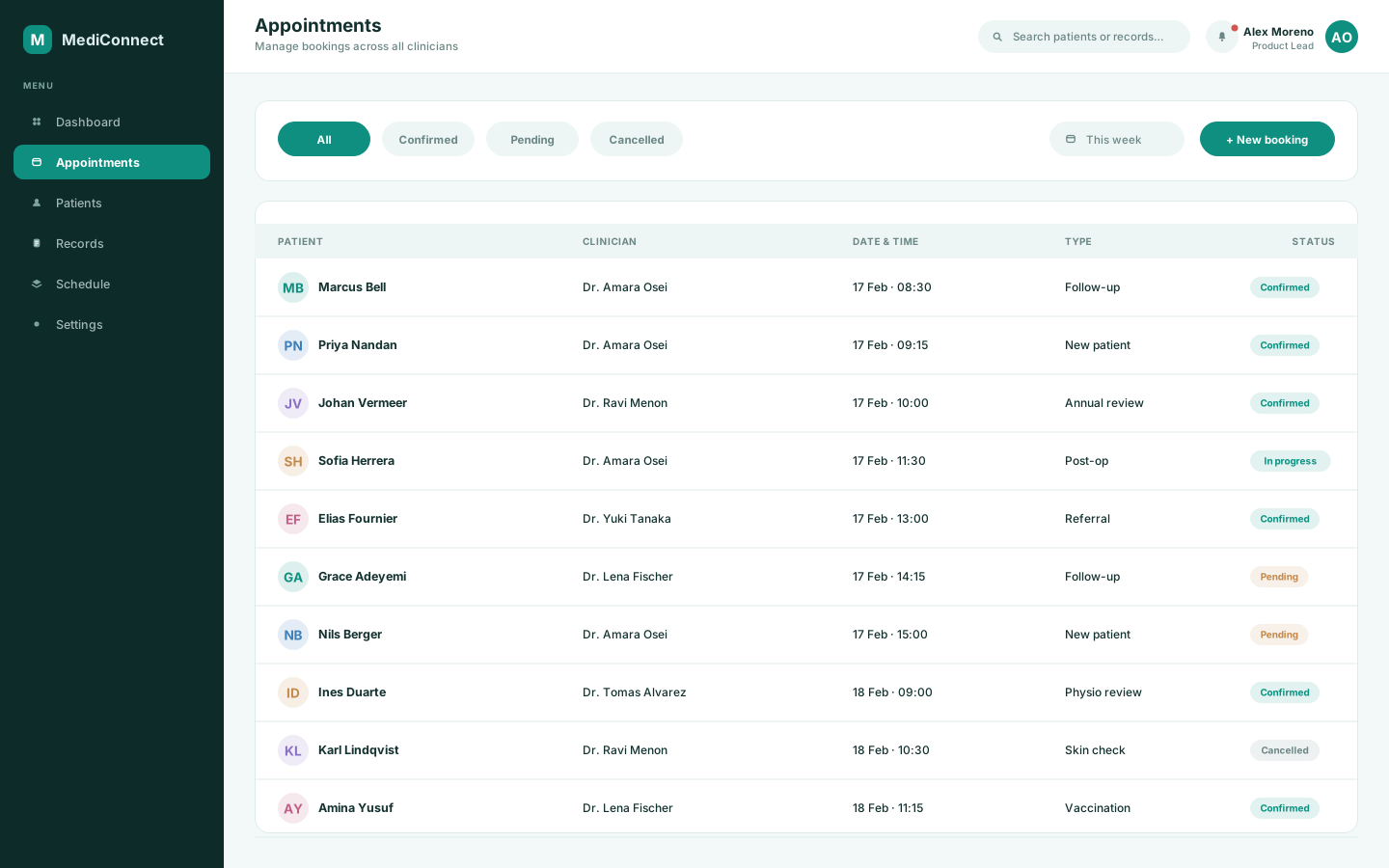
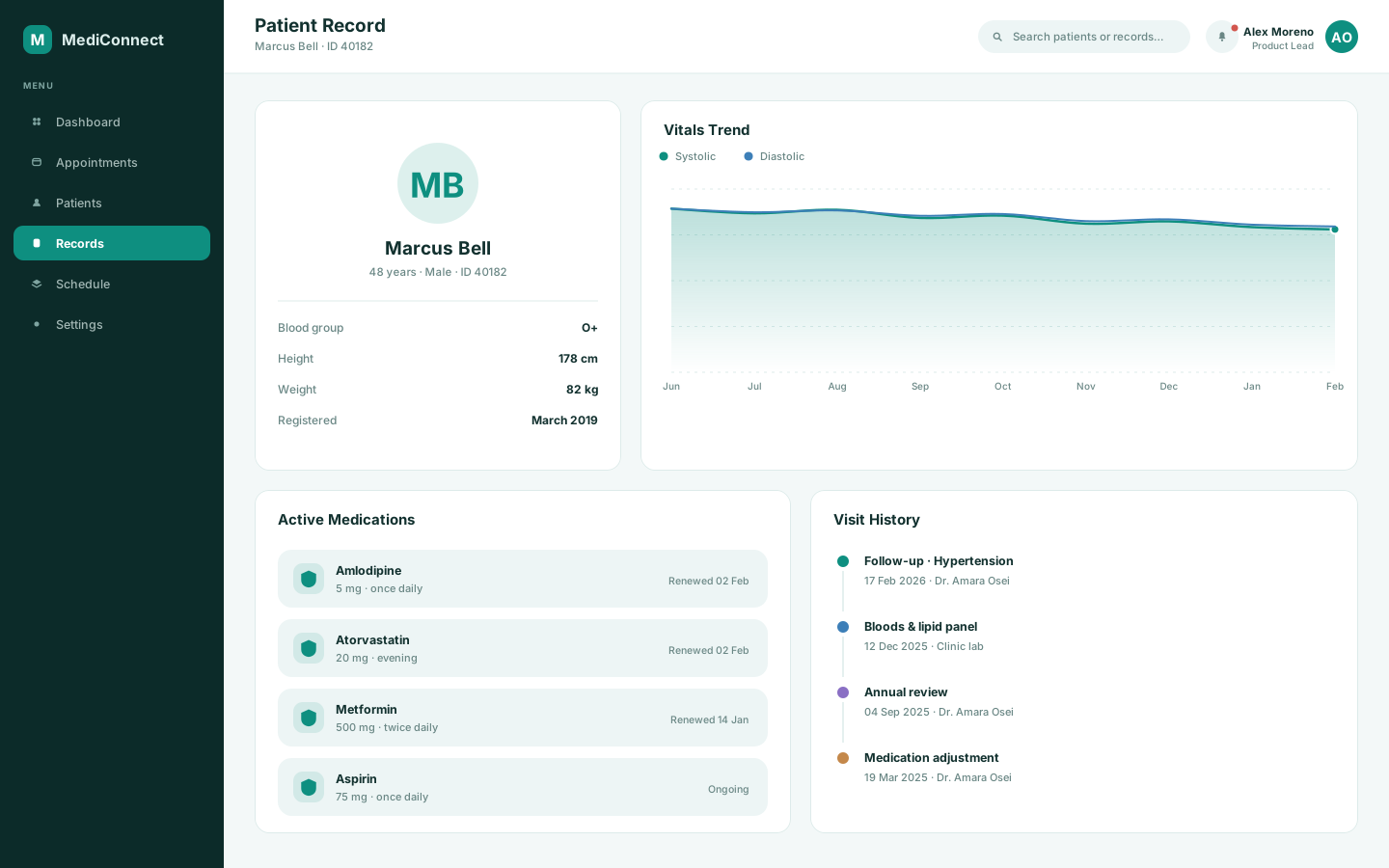
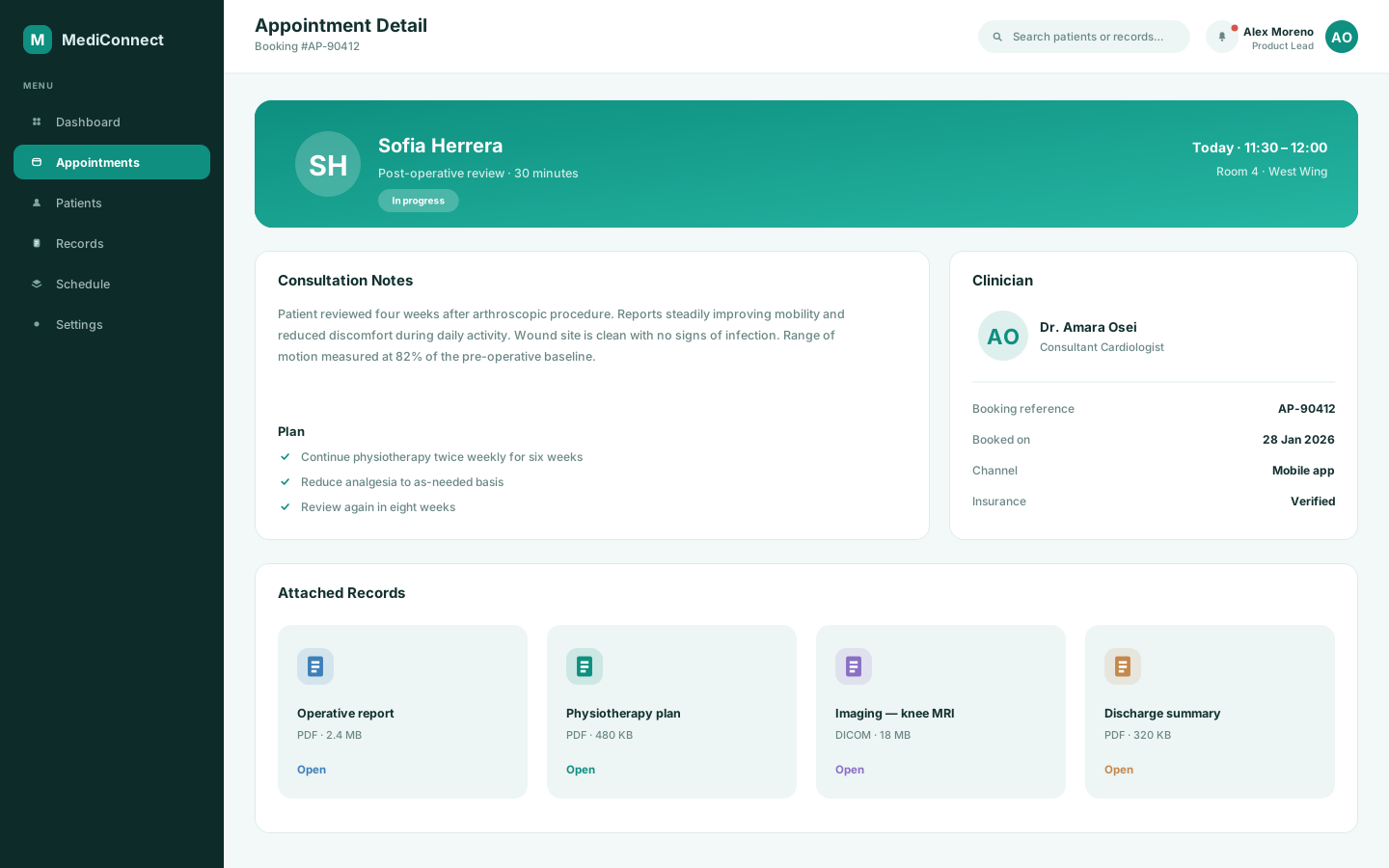
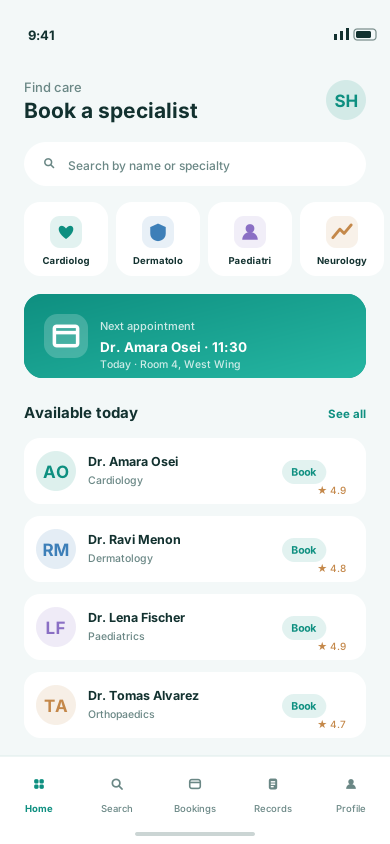
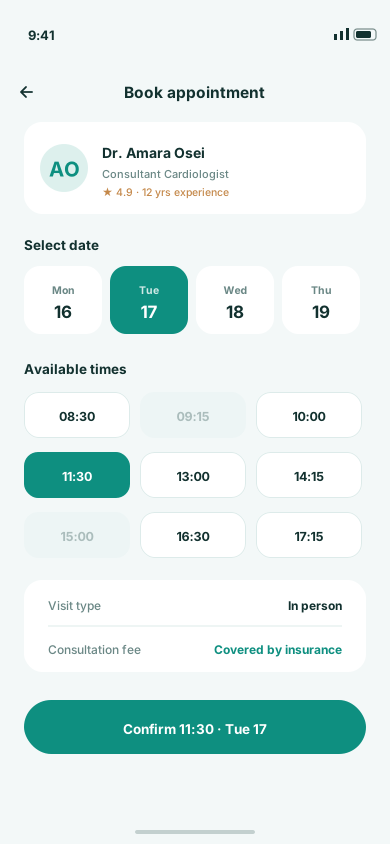
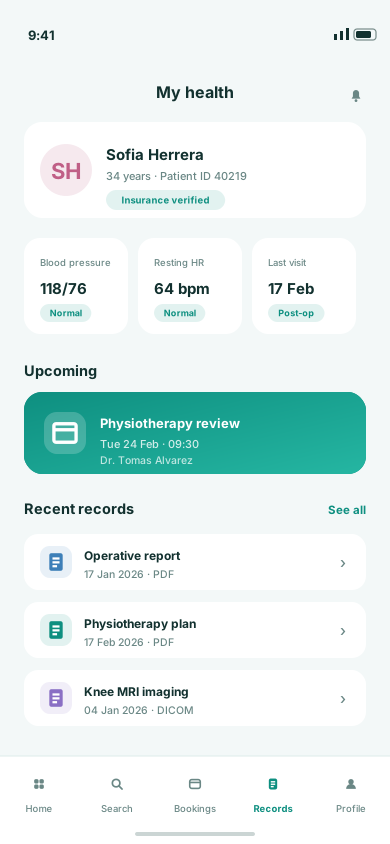
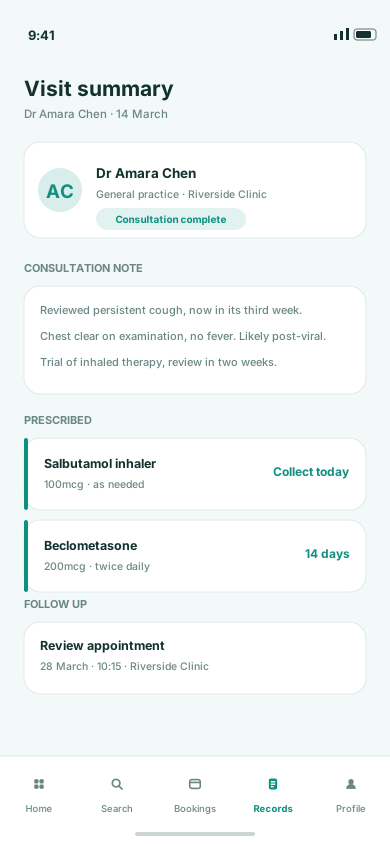
MediConnect is a concept healthcare product built as two halves of one system. Patients get a mobile app for finding a clinician, booking a slot and keeping their records and results in one place. Clinics get the desktop side: the day's schedule, appointment management, patient records and the request queue that accumulates around them. Both halves share a vocabulary, so a booking made on a phone appears in the clinic view with the same status language and the same level of detail.
Appointment products usually optimise for one side of the desk. Patient-facing apps make booking pleasant and hand the clinic an unstructured mess; clinic software runs the schedule and gives patients a form from 2009. Building both meant reconciling two very different tolerances for density — a patient sees a handful of things a month, a clinician sees the whole day at once.
We modelled the appointment as a single shared object and let each surface present the depth its user needs. The patient app is spacious and sequential: find, choose a time, confirm, then keep records and results in the same place. The clinic dashboard is dense and scannable, with the day as a vertical timeline, colour-coded status carried straight through from the patient's booking, and the request queue treated as first-class work rather than an inbox. Records use the same components on both sides so nothing has to be re-learned.
Desktop
The full-width interface, screen by screen.
Mobile
The same information hierarchy, rebuilt for a screen you hold in one hand.
More work
(→)Start a project
Tell us what you have in mind and we'll come back with a clear scope, a realistic timeline and an honest opinion on the best way to build it.
Project brief