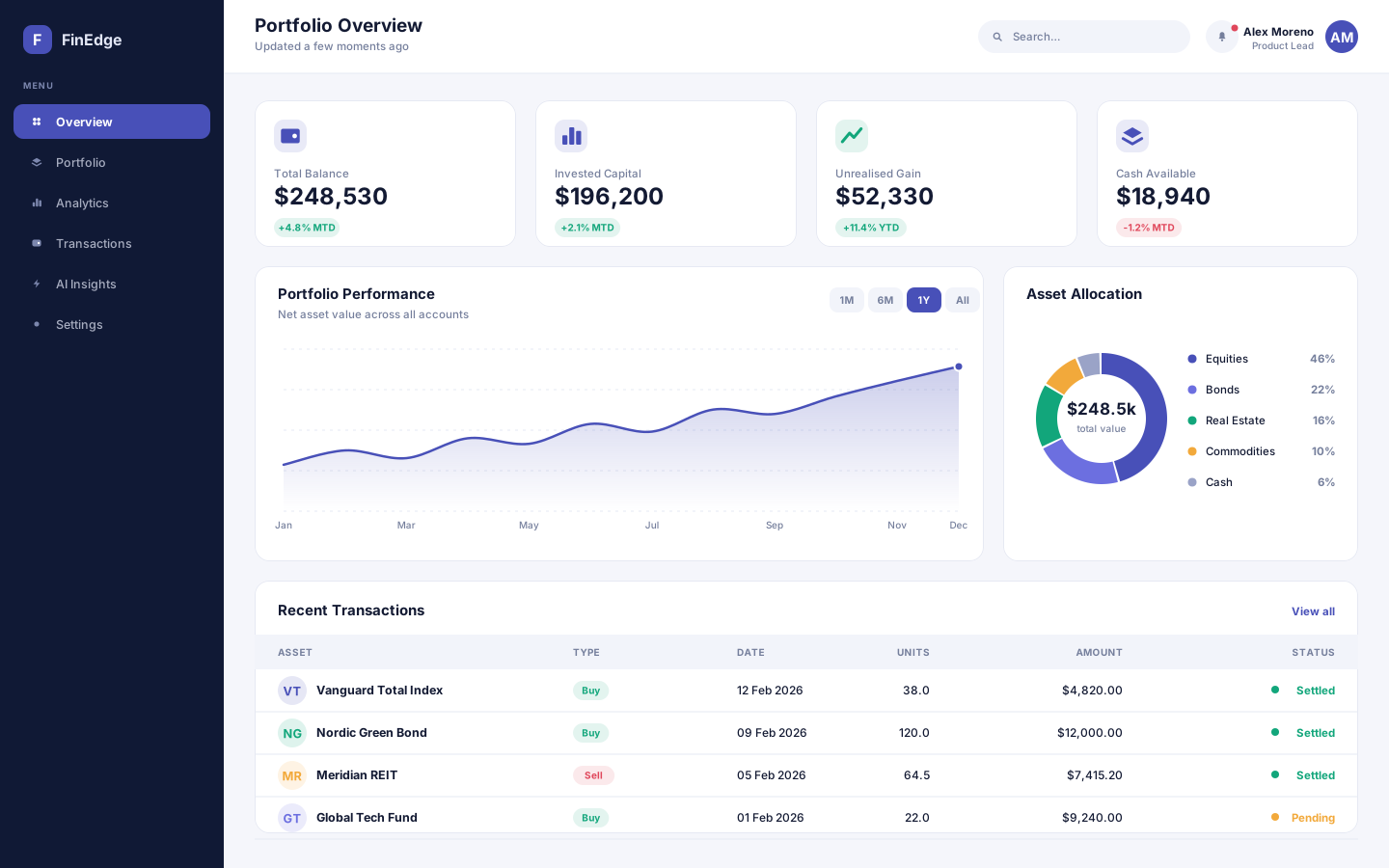
A financial analytics and portfolio management platform that turns scattered account data into decisions people can actually act on.
- React
- Node.js
- Python
- PostgreSQL
Every trip detail in one place
A travel planning app that turns scattered bookings, saved links and half-formed ideas into a day-by-day itinerary you can actually follow.
Overview
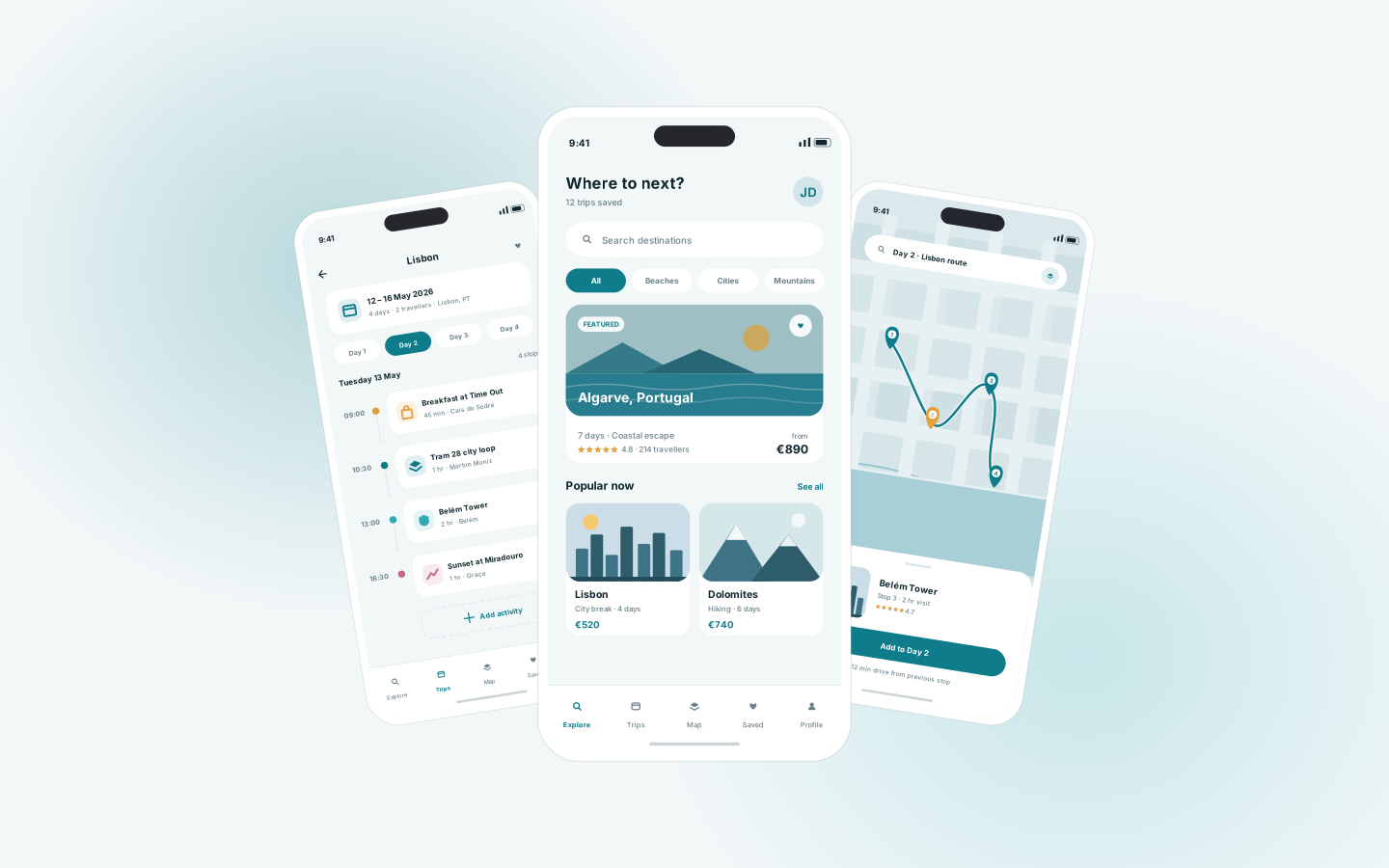
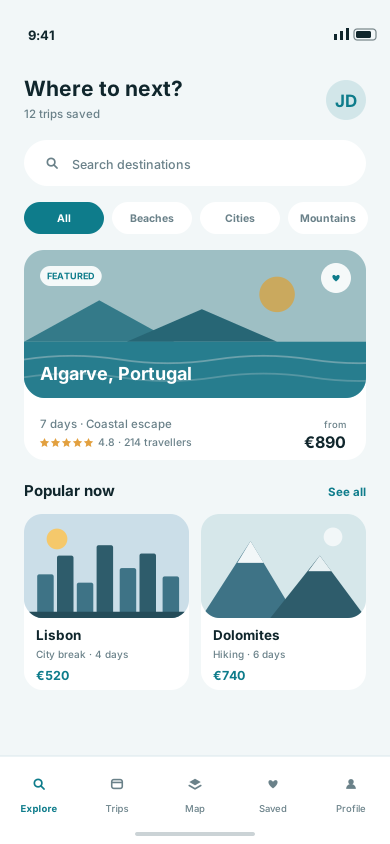
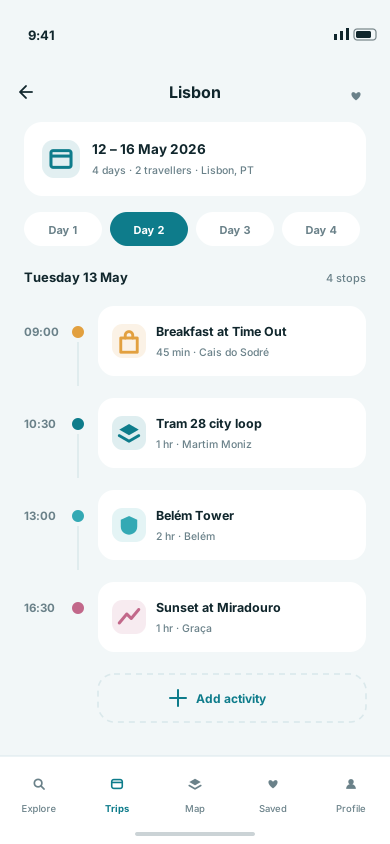
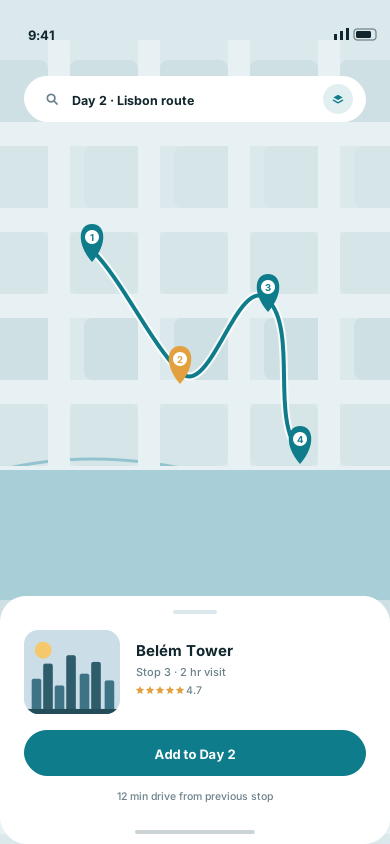
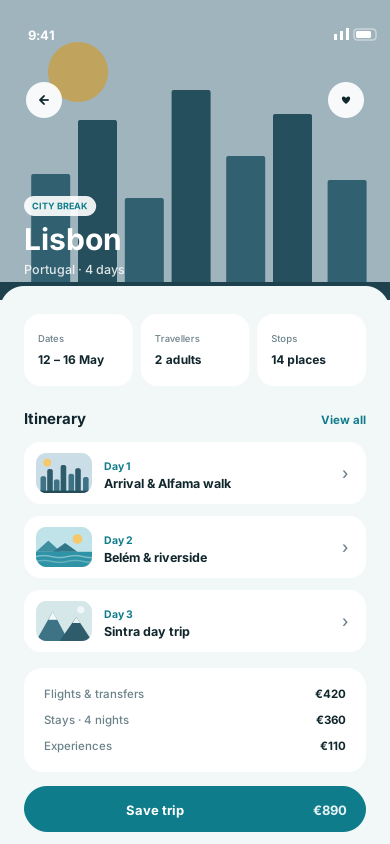
Wayfare is a concept mobile product for the messy middle of travel planning — the stage where a trip lives across screenshots, browser tabs and a group chat. It covers discovery, day-by-day itinerary building, a route map that sequences each day geographically, and a trip view that holds dates, stops and costs together. Built phone-first, because planning happens in spare moments and the itinerary has to work in your hand on the day itself.
Trip planning tools tend to be either inspiration feeds that never become a plan, or spreadsheet-like organisers nobody opens once the trip starts. Bridging the two means the same content has to work as browsing material weeks ahead and as a practical, glanceable schedule on the day — including when it's being read outdoors, one-handed, with patchy signal.
We modelled a trip as a sequence of days, and every surface as a different lens on that same sequence. Discovery adds to it, the itinerary orders it by time, and the map orders it by geography so a day's stops can be sequenced sensibly rather than criss-crossing a city. The on-the-day view is deliberately high-contrast with large tap targets and no dependency on a live connection, and destination artwork is illustrated rather than photographic so the interface stays fast and consistent.
Desktop
The full-width interface, screen by screen.
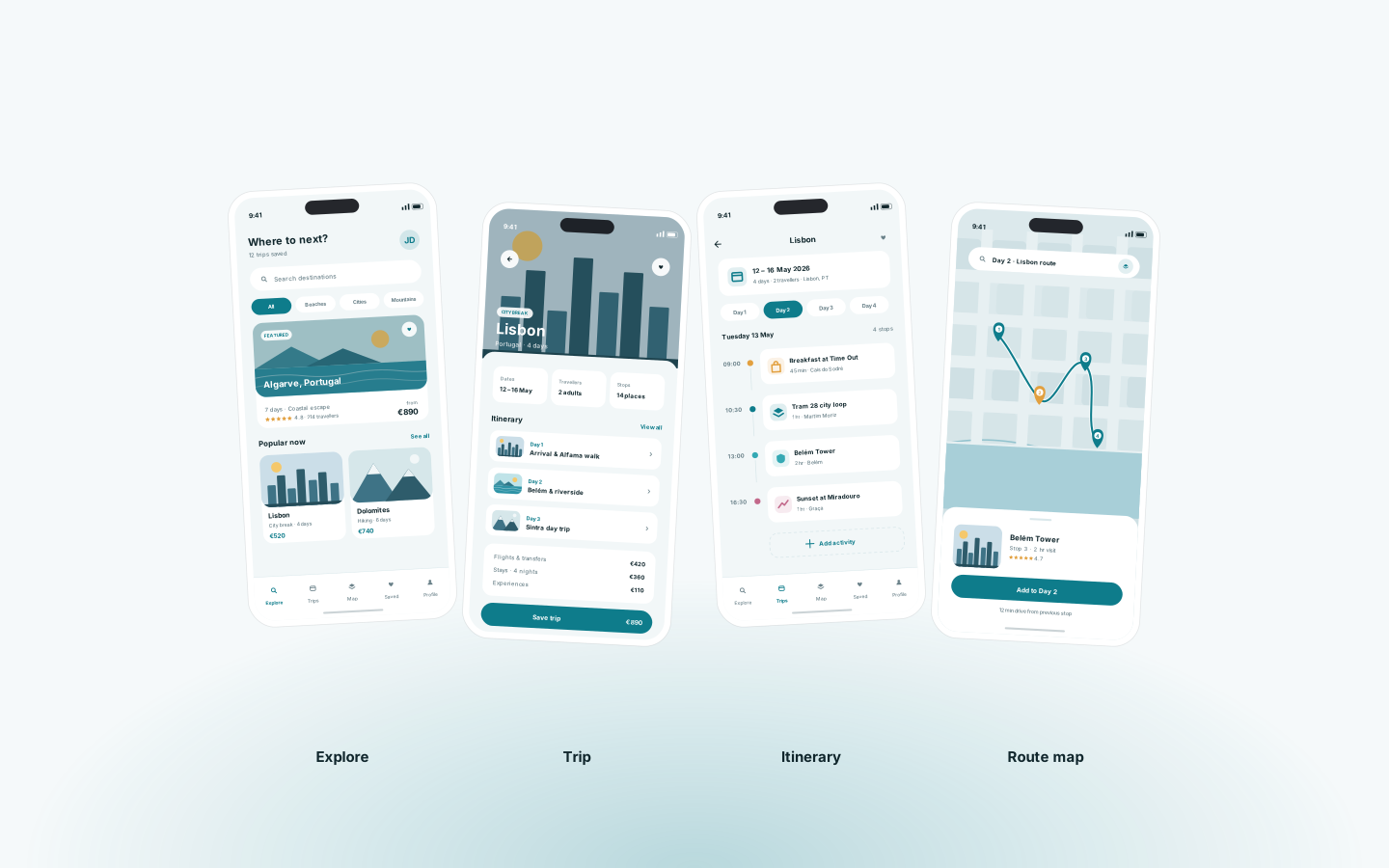
Mobile
The same information hierarchy, rebuilt for a screen you hold in one hand.
More work
(→)Start a project
Tell us what you have in mind and we'll come back with a clear scope, a realistic timeline and an honest opinion on the best way to build it.
Project brief