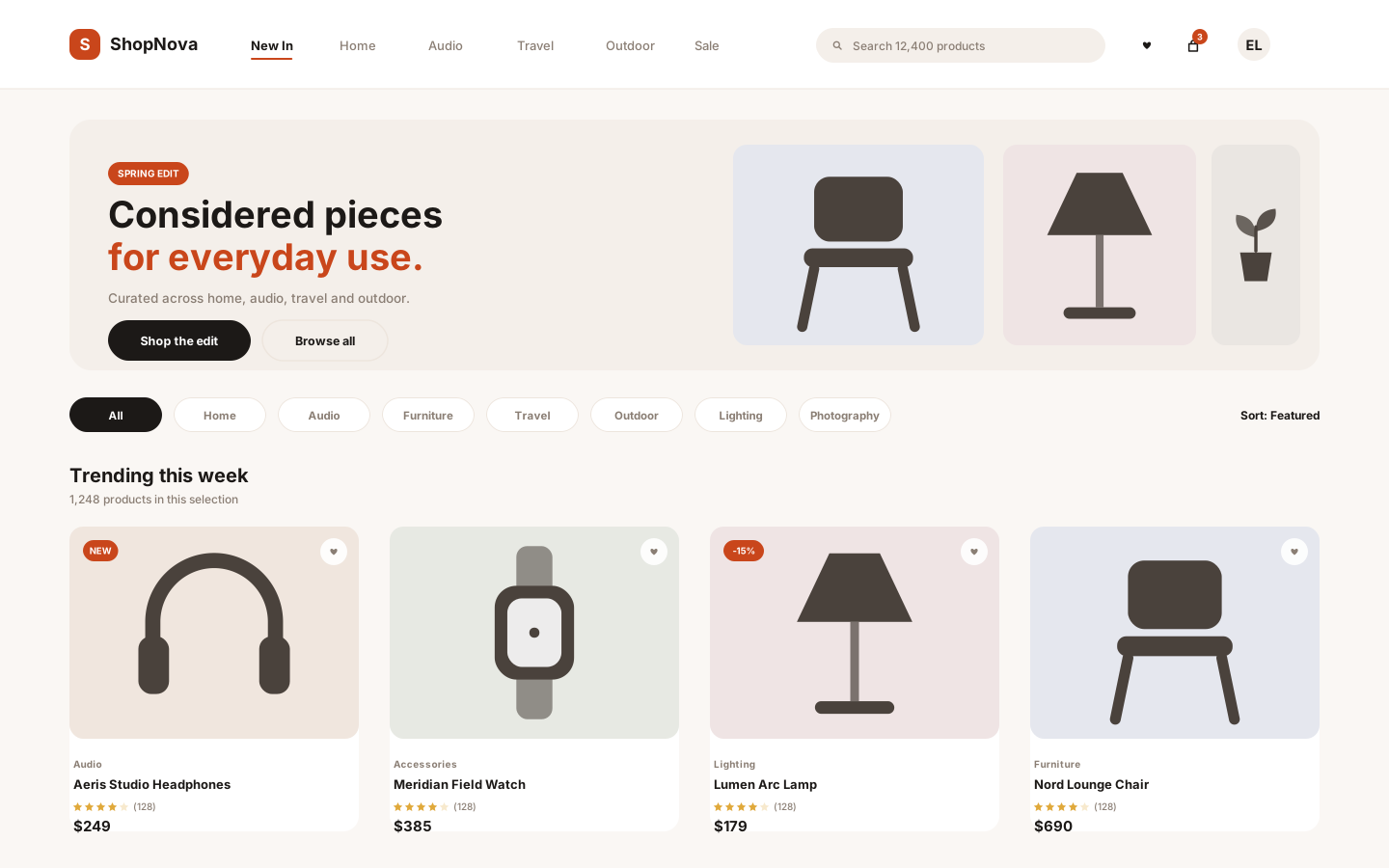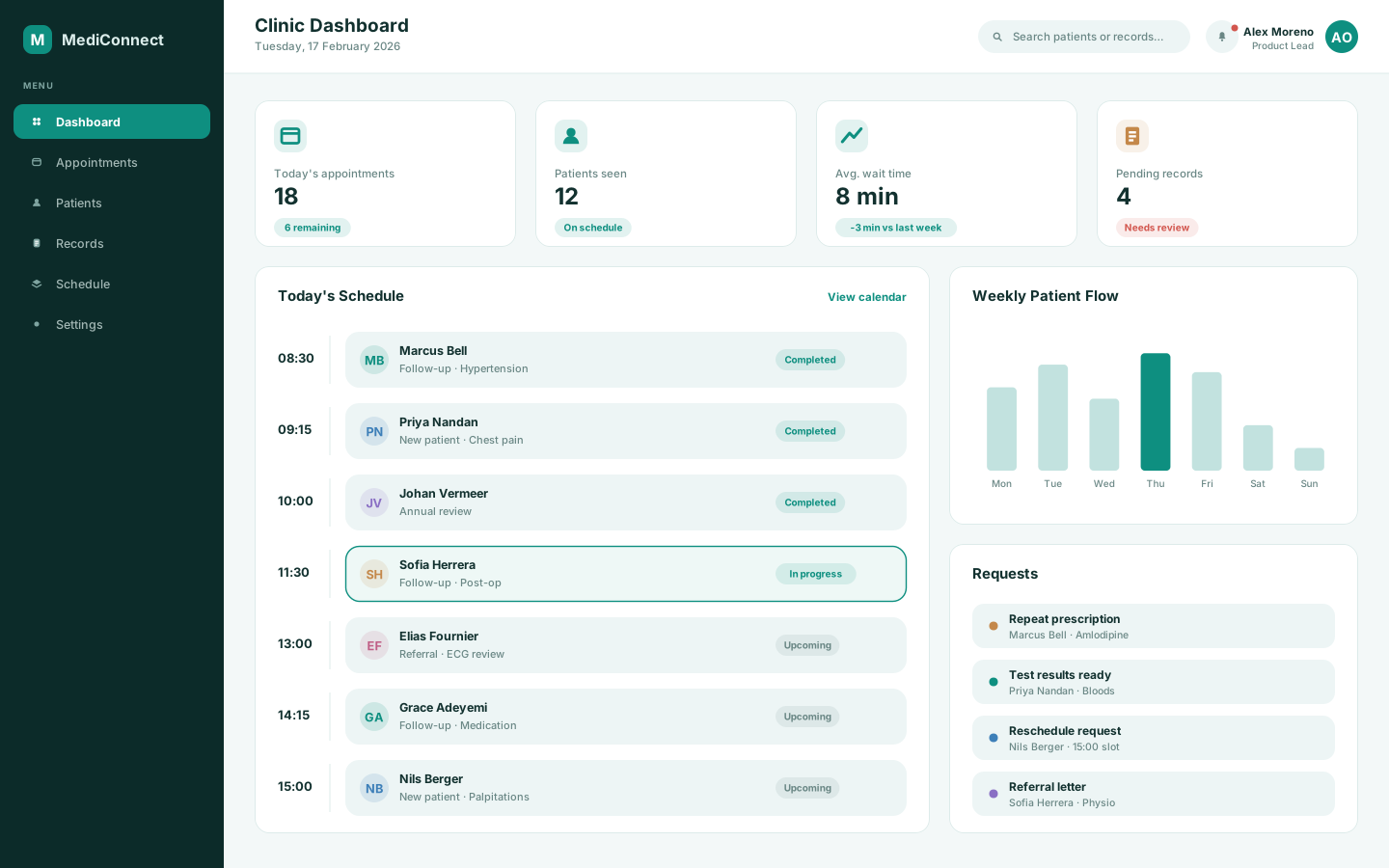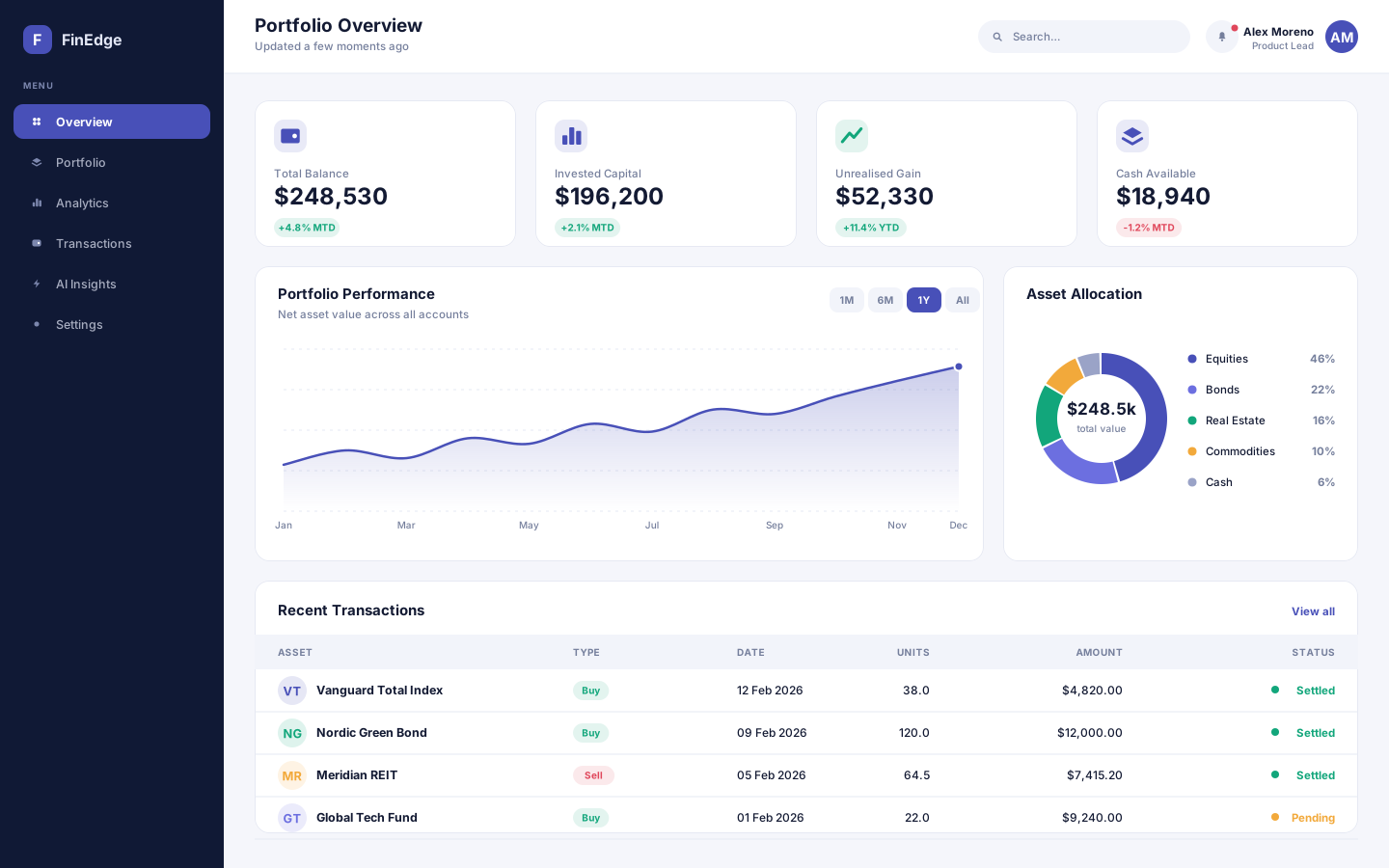
A financial analytics and portfolio management platform that turns scattered account data into decisions people can actually act on.
- React
- Node.js
- Python
- PostgreSQL
Coaching that adapts to your week
A fitness and habit-tracking app whose training plan rewrites itself around the week you actually had, not the one you planned.
Overview
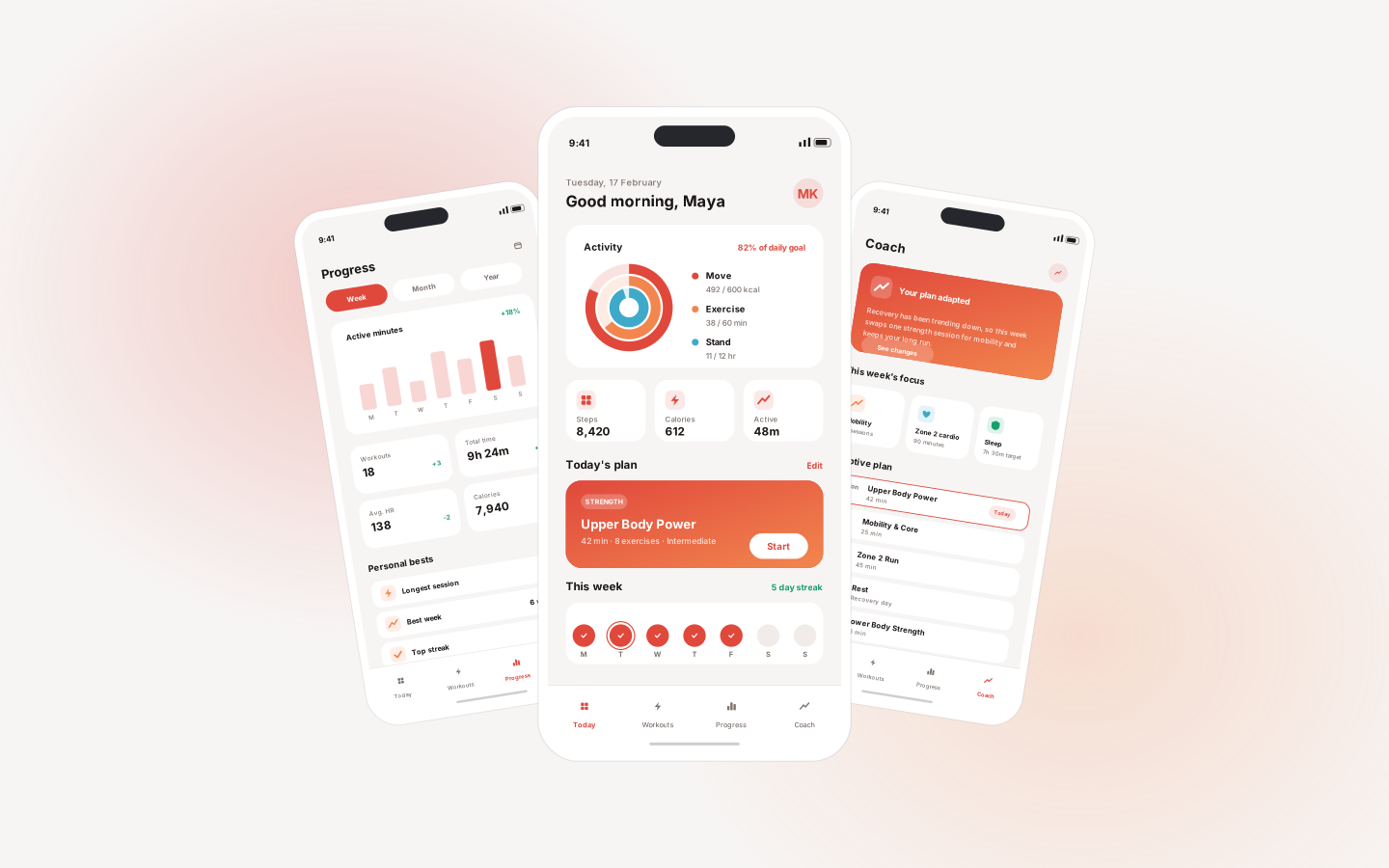
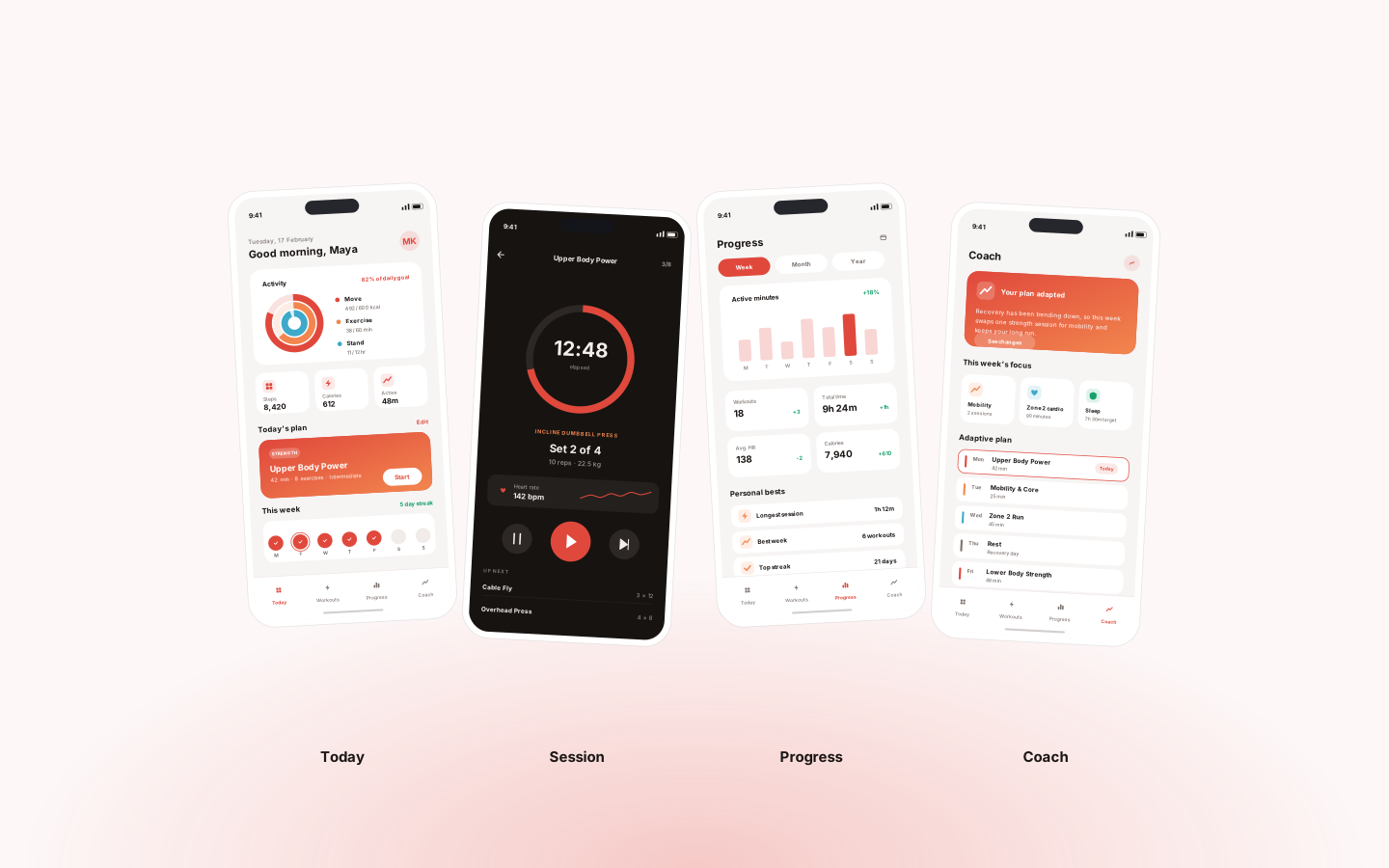
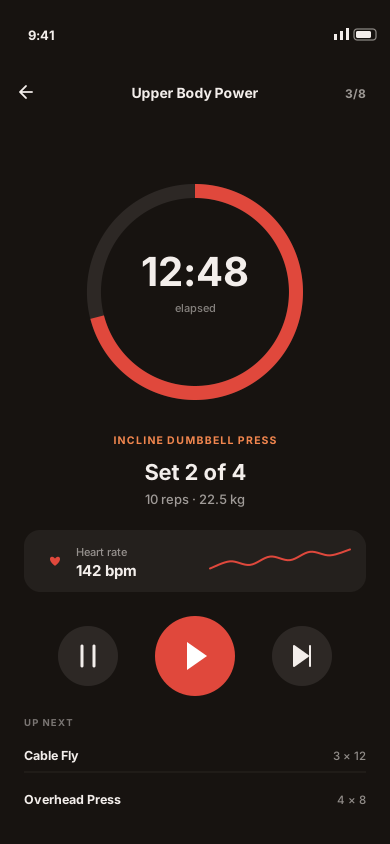
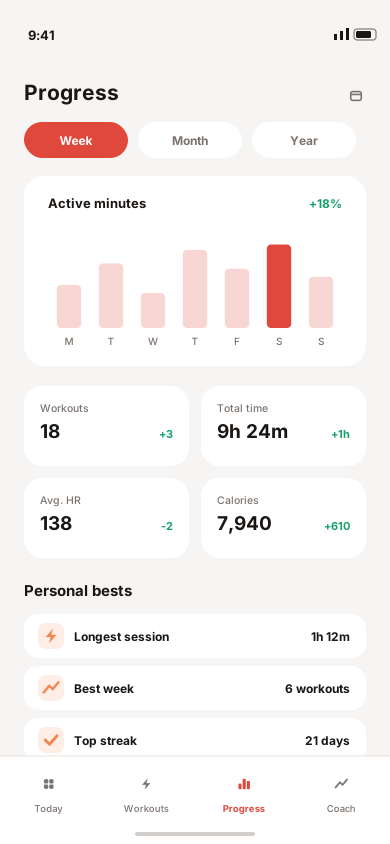
PulseFit is a concept mobile product built around a simple observation: most training plans are written once and then quietly abandoned the first week real life interferes. It tracks daily activity, guides workouts session by session, and charts progress over time — but the defining feature is a coaching layer that reshapes the upcoming week based on recovery, missed sessions and trend data. The whole product is phone-first; there is no desktop app, because none of it happens at a desk.
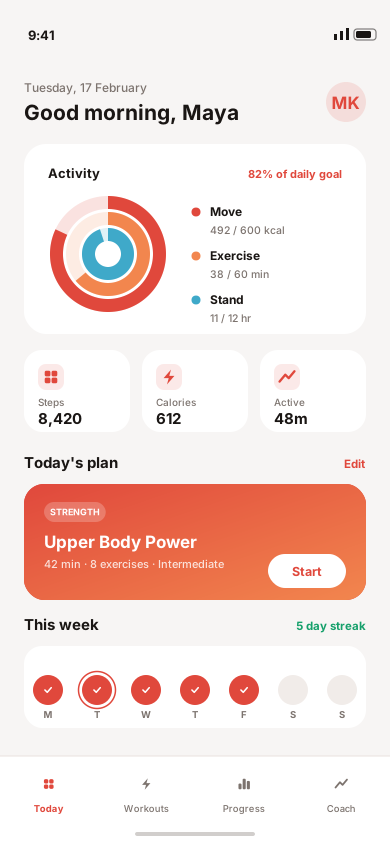
Fitness apps lose people in the gap between the plan and the week. Miss two sessions and a fixed schedule becomes a running list of failures, so the app turns into a source of guilt rather than momentum. The interface problem is harder than it looks: an active workout screen must be readable at arm's length mid-set, while the same product also has to present longitudinal trend data that only makes sense sitting still.
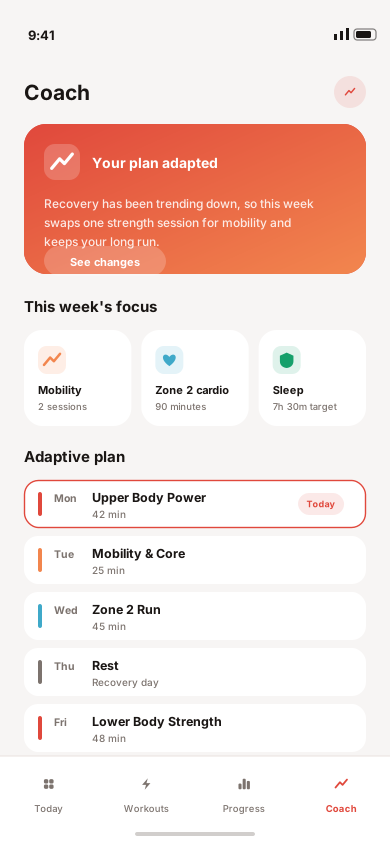
We split the product by posture. Screens used while moving — the active session, the timer, the next-up list — are high-contrast, large-type and stripped to one decision at a time. Screens used at rest carry the density: charts, personal bests, weekly comparisons. The coaching layer sits between them, rewriting the coming week from recovery and adherence signals and always stating what changed and why, so an adapted plan reads as a decision rather than a silent reshuffle.
Desktop
The full-width interface, screen by screen.
Mobile
The same information hierarchy, rebuilt for a screen you hold in one hand.
More work
(→)Start a project
Tell us what you have in mind and we'll come back with a clear scope, a realistic timeline and an honest opinion on the best way to build it.
Project brief