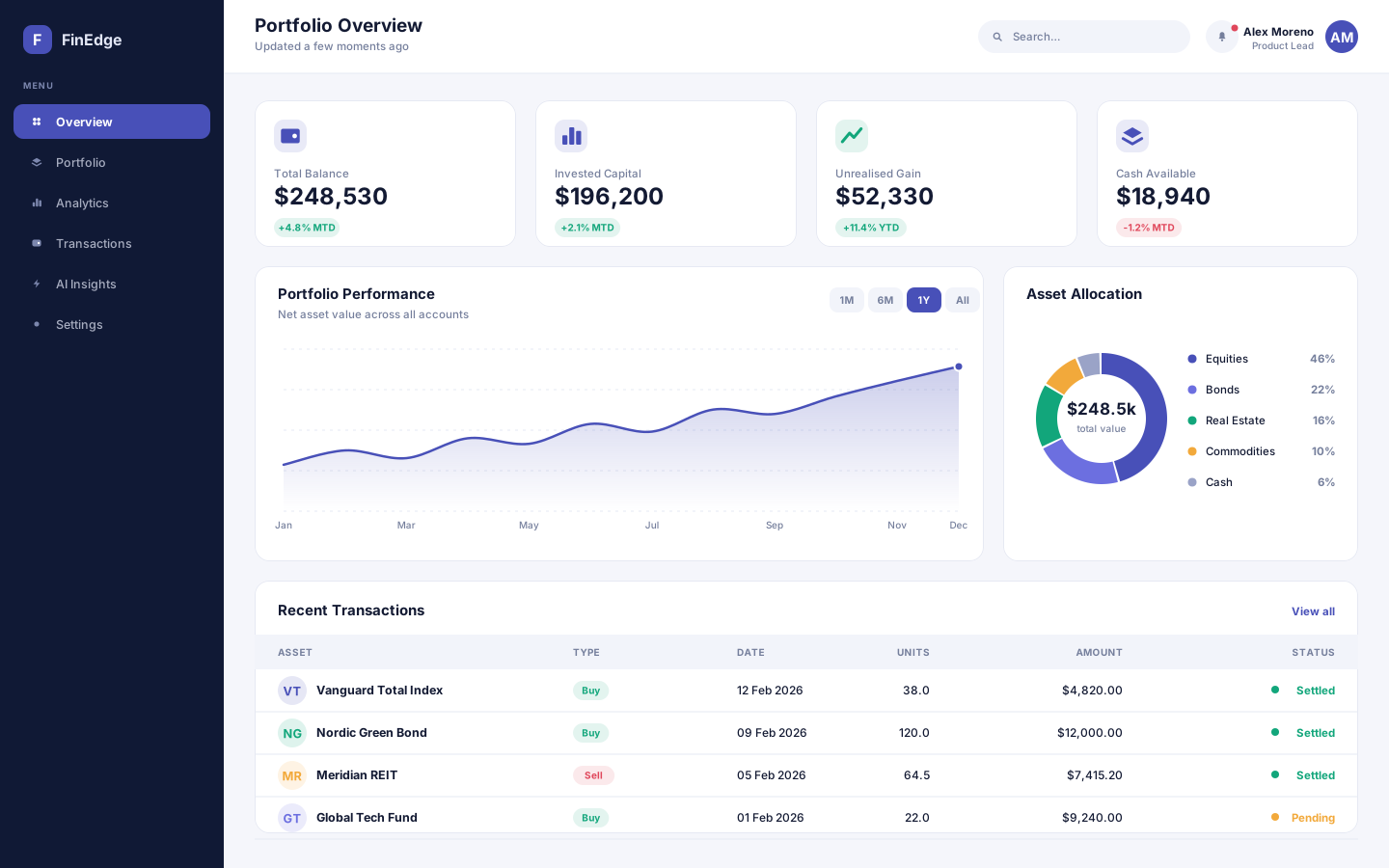
A financial analytics and portfolio management platform that turns scattered account data into decisions people can actually act on.
- React
- Node.js
- Python
- PostgreSQL
One control tower for every shipment
An enterprise freight and warehouse platform that puts shipments, stock and carrier capacity in a single operational view, built on .NET.
Overview
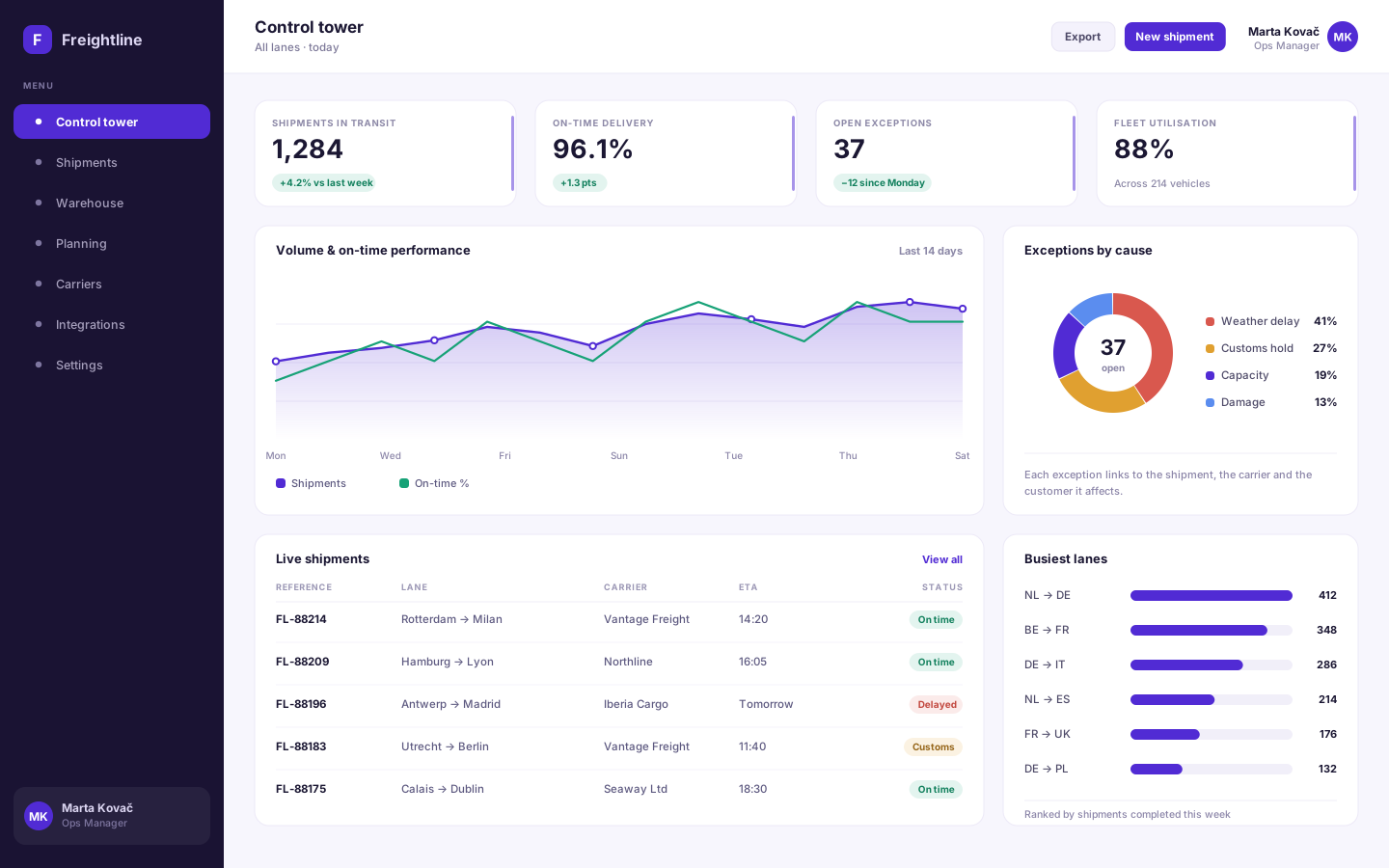
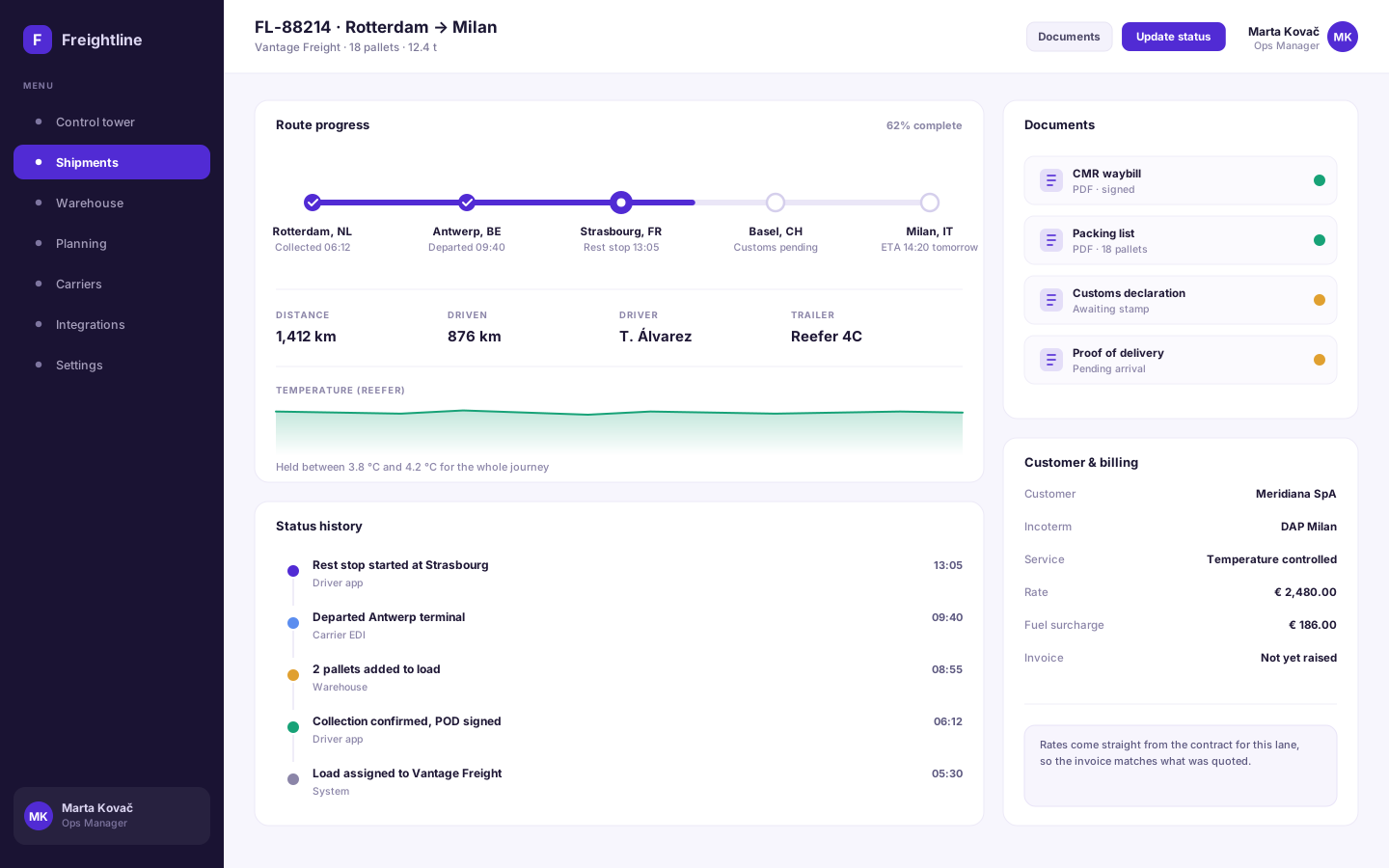
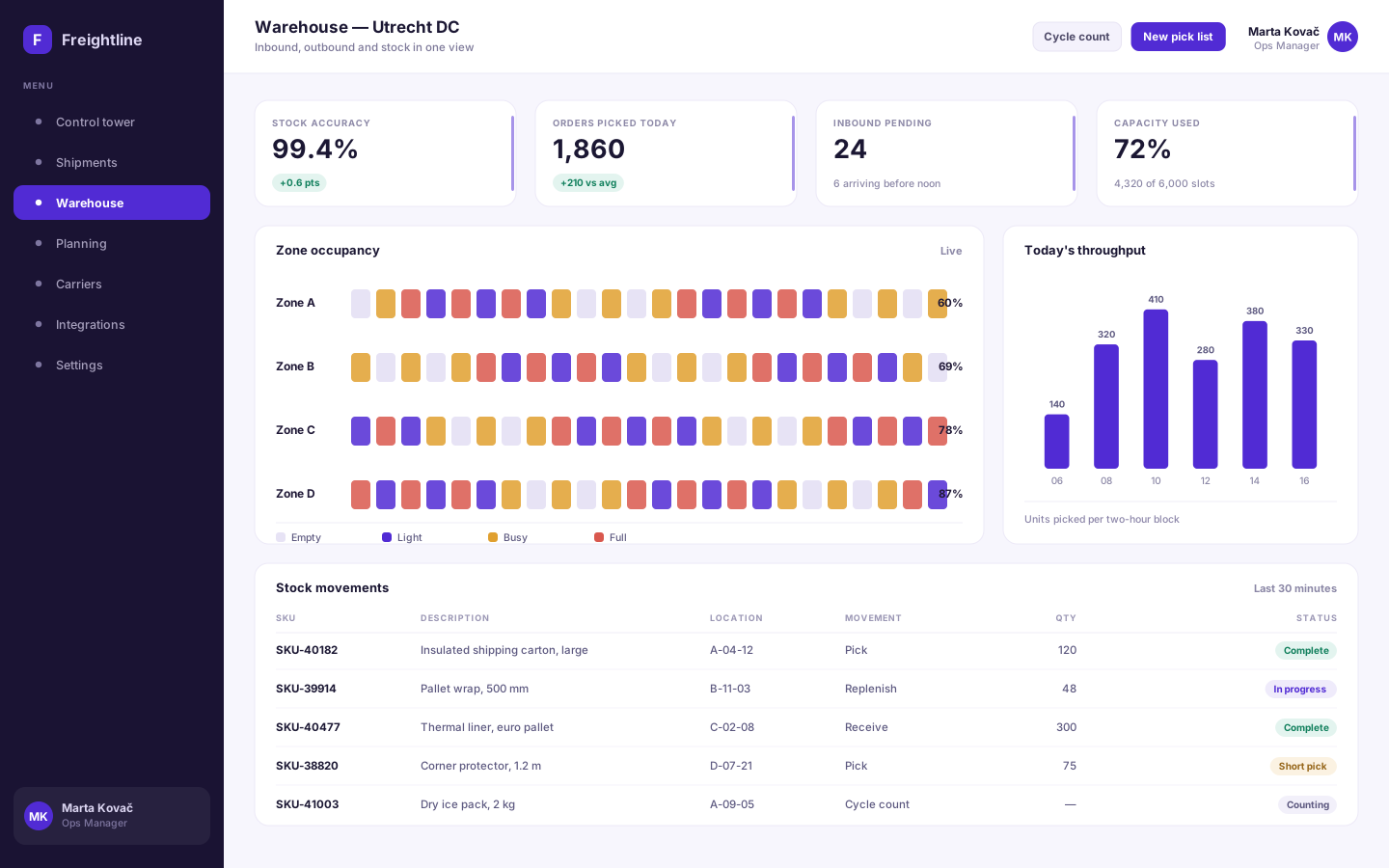
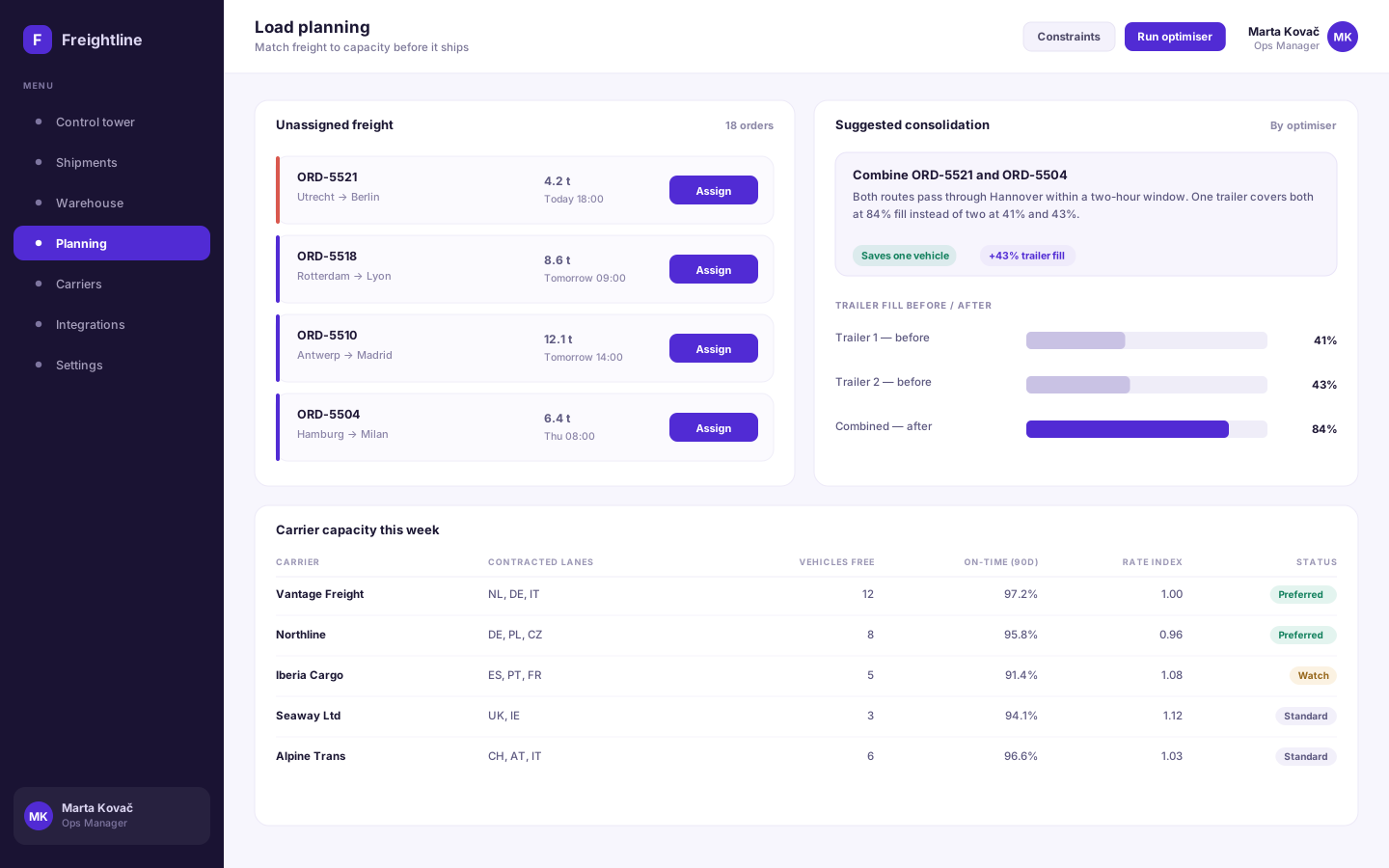
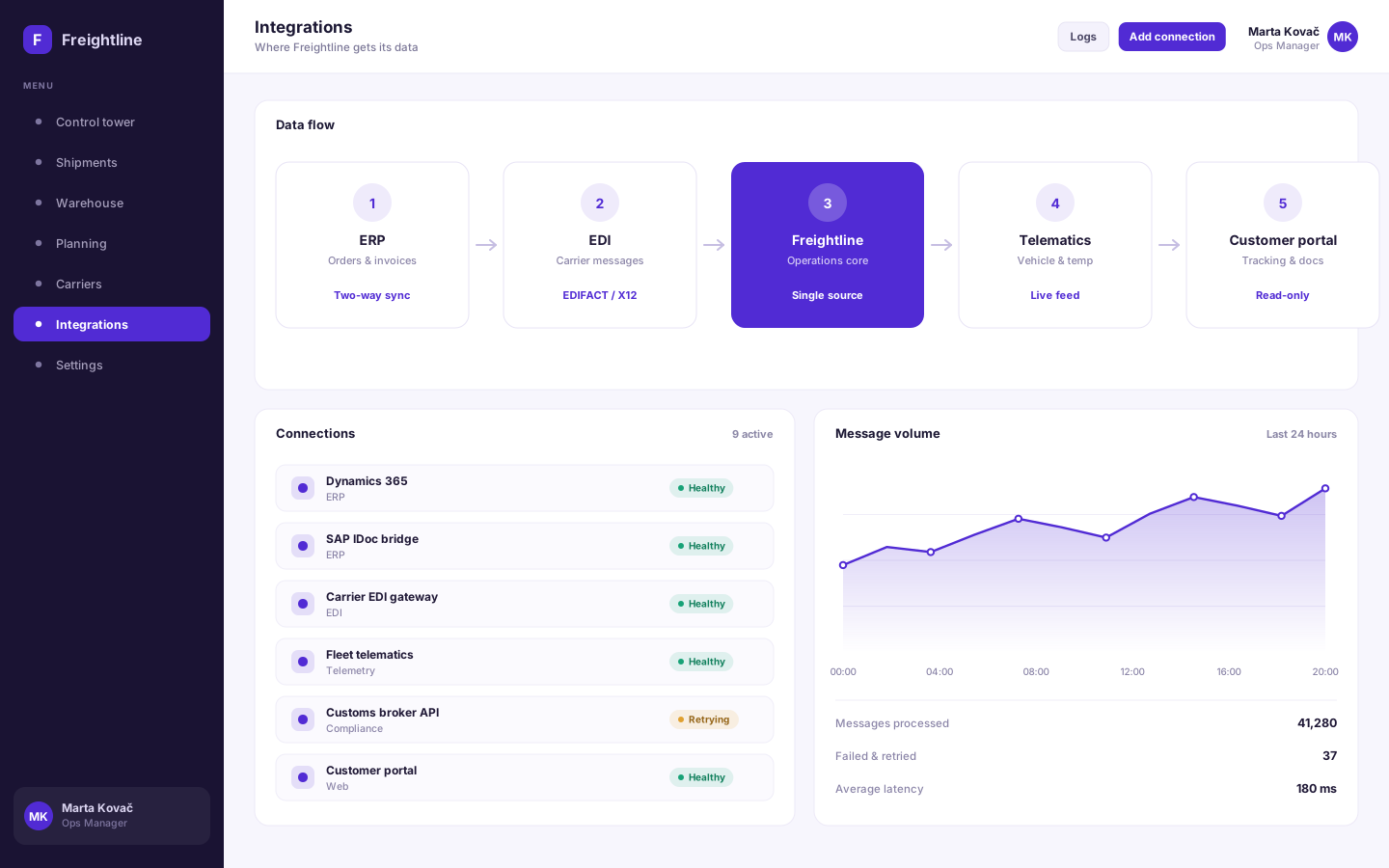
Freightline is a concept product for logistics operators running their business across a patchwork of spreadsheets, carrier portals and an ageing ERP. It pulls orders, EDI messages, telematics and warehouse activity into one operational record, so a shipment can be followed from the moment it is booked to the moment it is signed for. The design problem was density without noise: operations teams need a great deal of information on screen at once, so the interface leans on clear hierarchy and consistent status language rather than hiding detail behind menus.
Logistics operators rarely lack data — they lack one place to see it. Orders sit in the ERP, status updates arrive as EDI messages, temperature readings come from telematics and stock lives in the warehouse system, so answering a simple question like "where is this load and will it be late" means checking four systems and trusting whichever was updated last.
We modelled the shipment as the single operational record and let every source write to it, keeping the origin of each update visible so a status can always be traced back to the system that reported it. The control tower surfaces exceptions rather than making people hunt for them, the warehouse view shares the same stock record instead of a nightly copy, and load planning proposes consolidations with the reasoning shown, so a planner can judge the suggestion rather than accept it blindly.
Desktop
The full-width interface, screen by screen.
Mobile
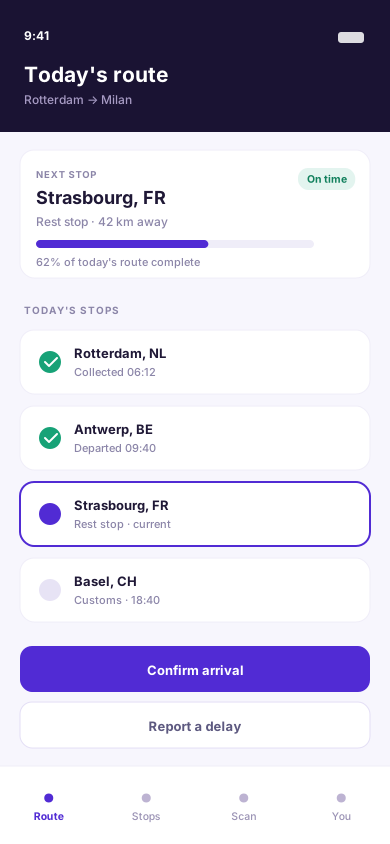
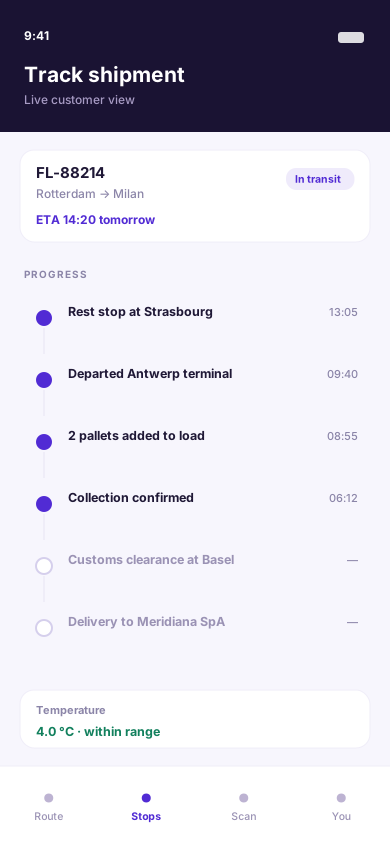
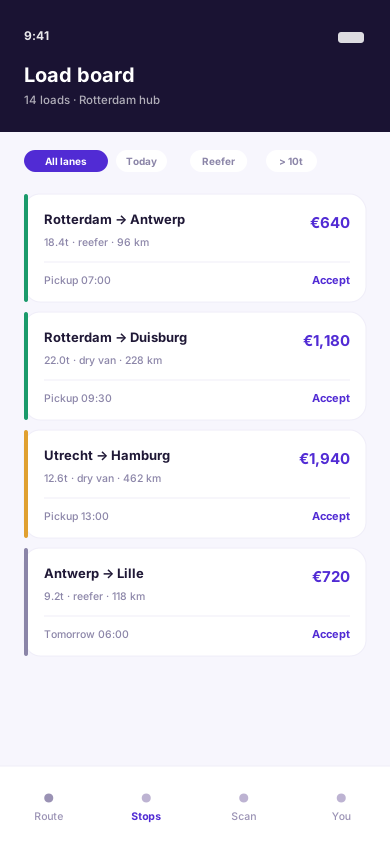
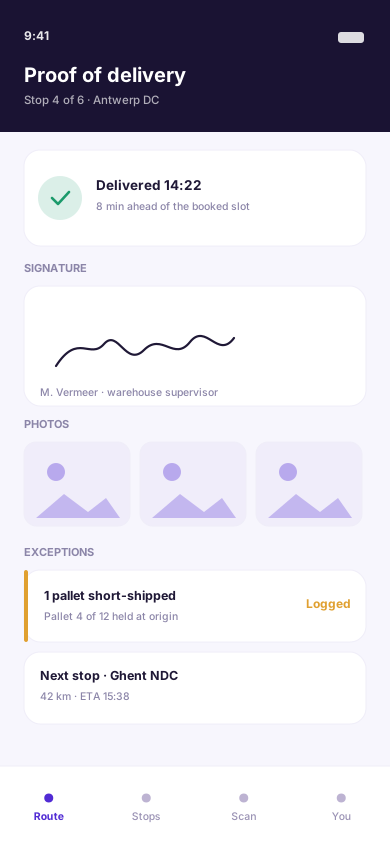
The same information hierarchy, rebuilt for a screen you hold in one hand.
More work
(→)Start a project
Tell us what you have in mind and we'll come back with a clear scope, a realistic timeline and an honest opinion on the best way to build it.
Project brief